Seedream 5.0 Pro · ByteDance
Seedream 5.0 Pro 画像生成
品質重視の ByteDance の Seedream モデル。くっきりした細部、自然な光、画像内の最も確実な文字。プロンプトから作成するか、画像を 1K か 2K で編集できます。
- Seedream で最高の品質
- 画像内の文字が確実
- 参考画像は最大 5 枚
- 1K · 2K
- 失敗時はクレジットを返還
Seedream 5.0 Pro で作った画像
このサイトで実際に作った画像と、それぞれのプロンプトです。出発点としてお使いください。
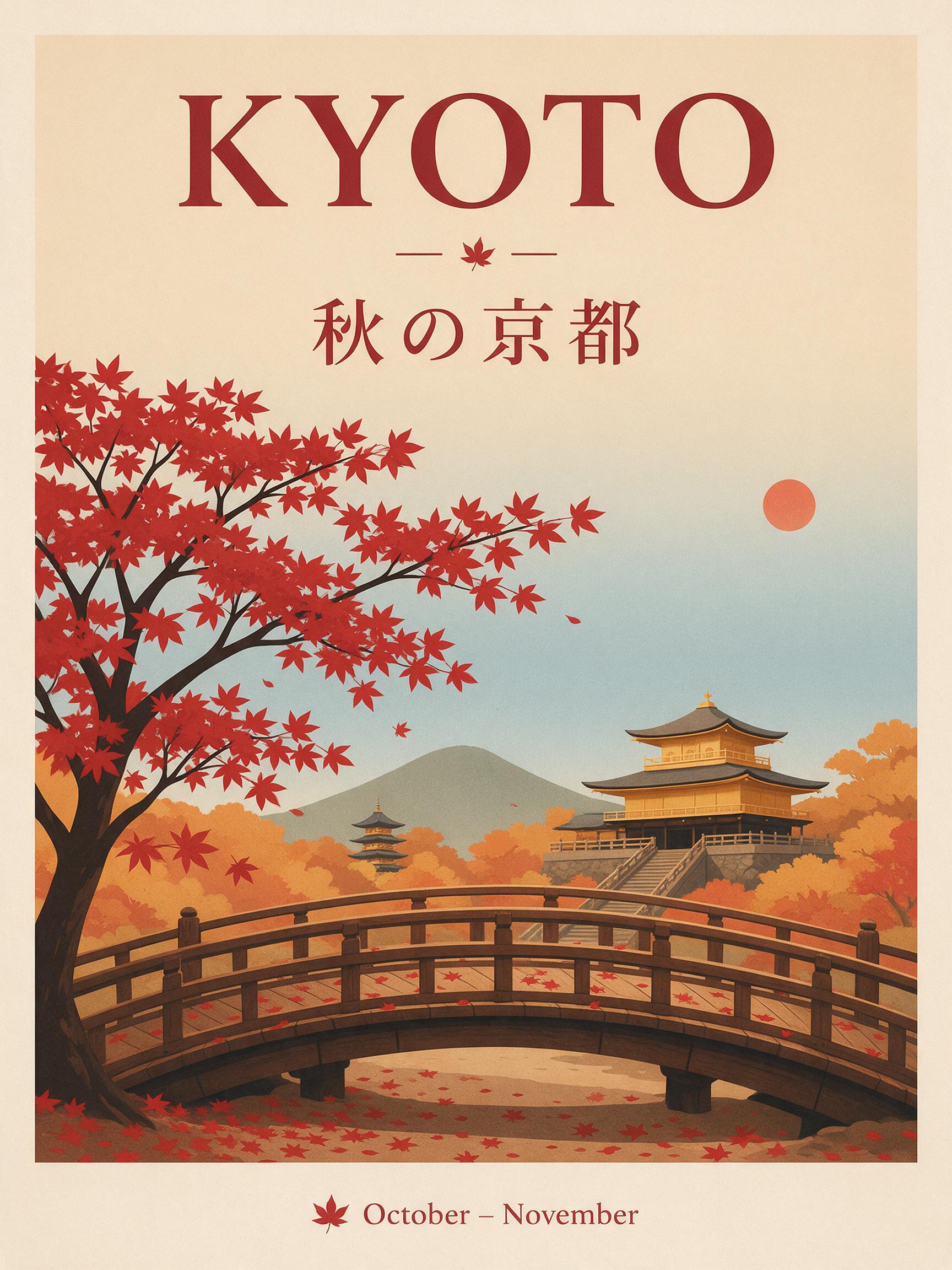
“A travel poster for Kyoto in autumn: a red maple tree over a wooden temple bridge, bold headline "KYOTO" at the top, the Japanese line "秋の京都" under it, small text "October – November" at the bottom, clean flat print style.”
テキストから画像 · Seedream 5.0 Pro · 2K
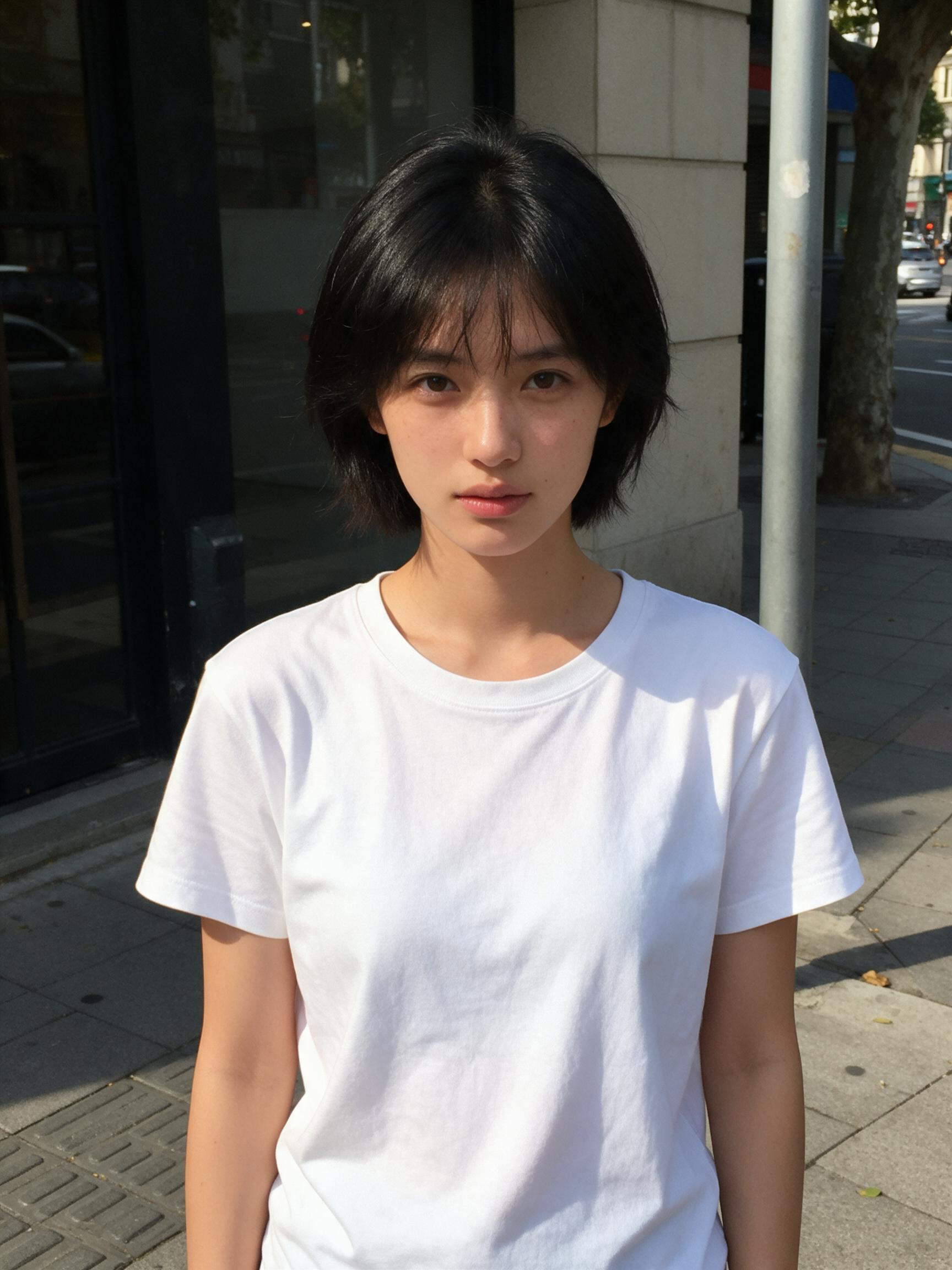
このプロンプトを使う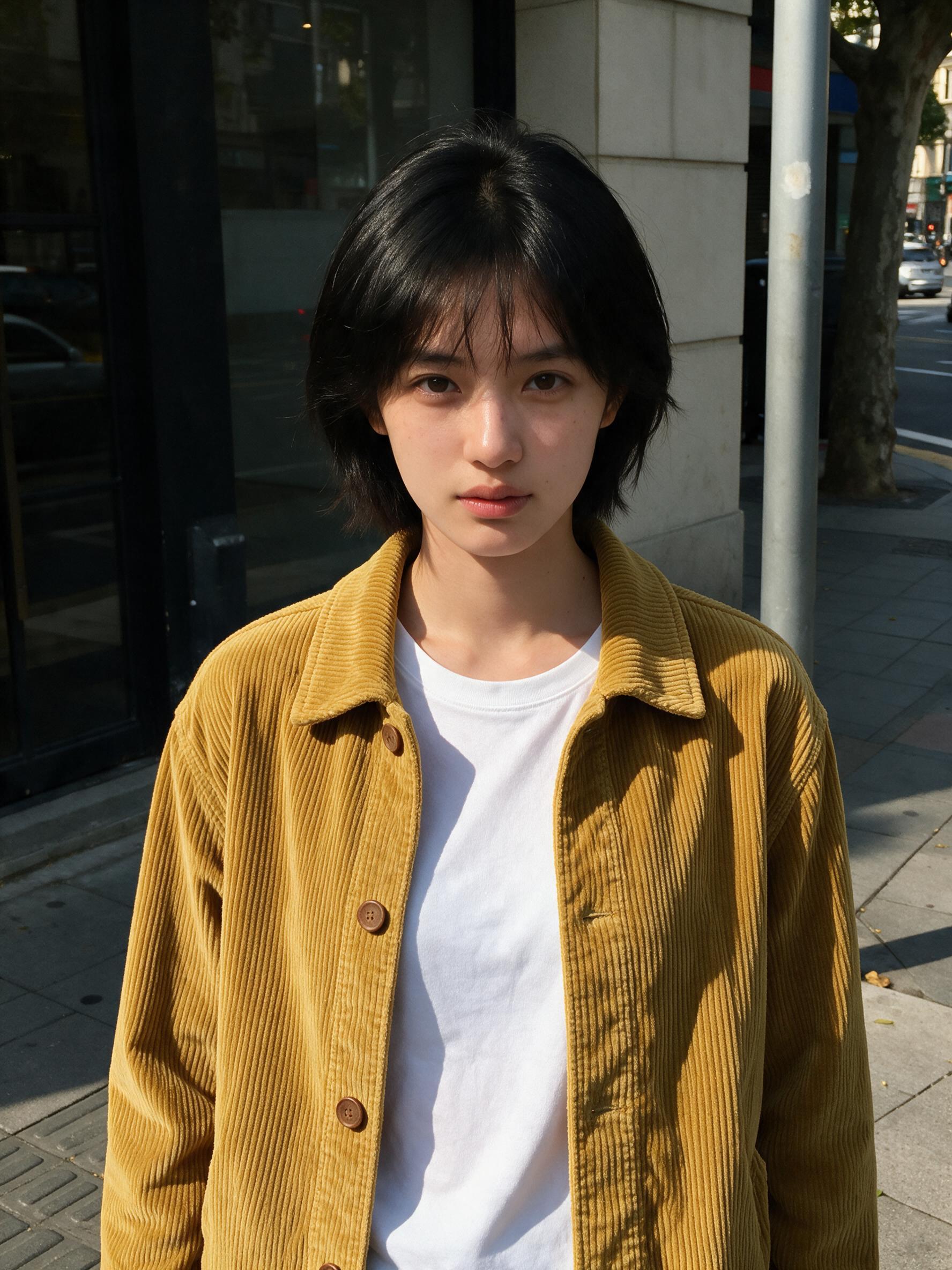 変更前変更後
“Put the jacket from Image 2 on the woman in Image 1, worn open over her t-shirt. Keep her face, hair, pose and the street exactly the same.”
画像から画像 · Seedream 5.0 Pro · 2K
このプロンプトを使う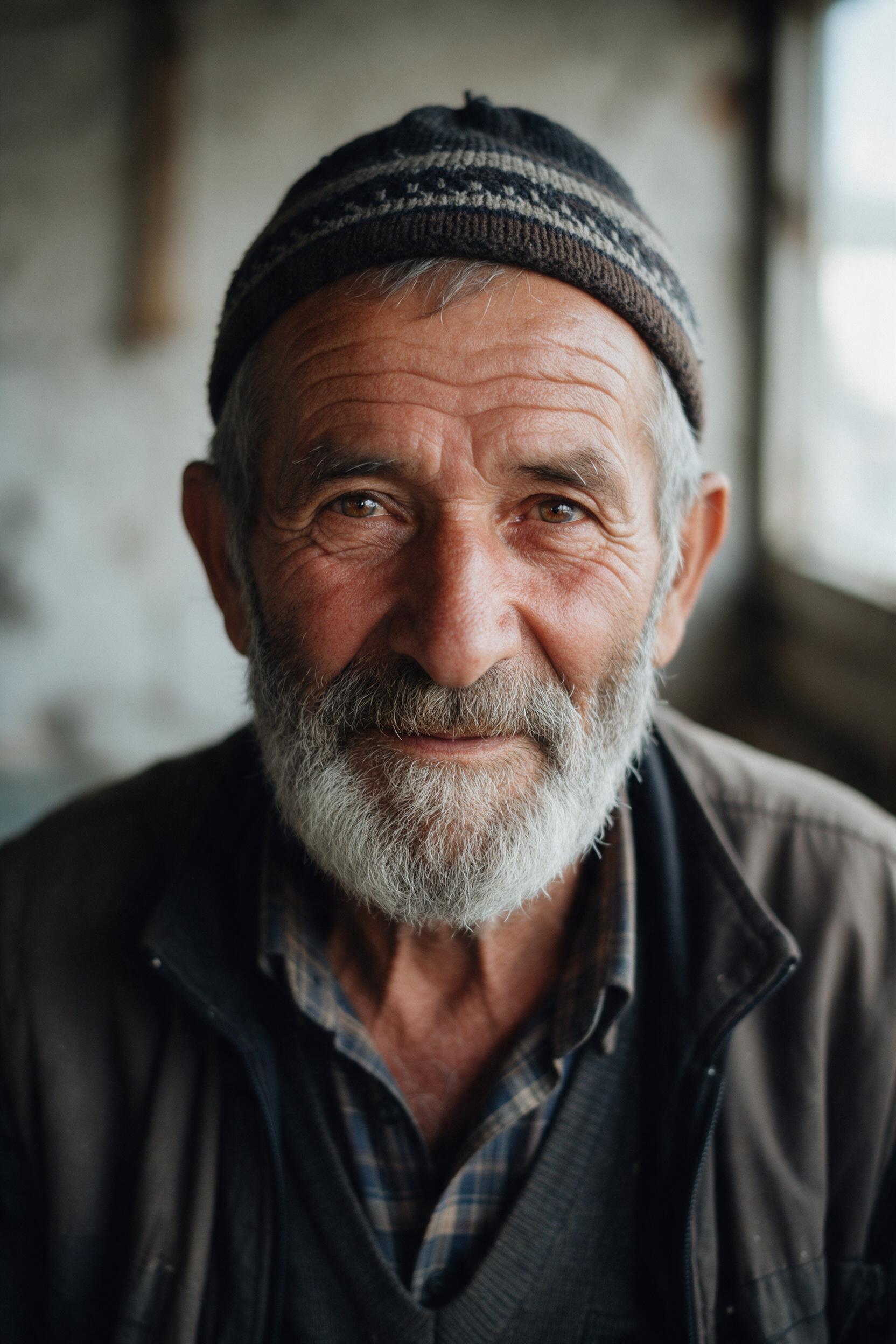
“Close-up portrait of an elderly fisherman with a gray beard and a knitted cap, soft window light from the left, visible skin texture, shallow depth of field, 85mm film photo.”
テキストから画像 · Seedream 5.0 Pro · 2K
このプロンプトを使う
Seedream 5.0 Pro とは
Seedream 5.0 Pro は ByteDance の Seedream 5.0 ファミリーの最上位モデルです。画質を重視し、リアルな光と質感、プロンプトへの忠実さ、そしてポスターの見出しから小さな文字まで実際に読める文字を描きます。
テキストから画像と画像編集をひとつのモデルでこなします。画像をアップロードして Image 1、Image 2 と呼べば、被写体はそのままに服を替えたり、背景を変えたり、シーンのスタイルを変えたりできます。
Seedream 5.5 が改良のベースにしているモデルでもあります。Seedream 5.5 AI では 1K か 2K を約 50 秒で生成します。4K が必要なら、プロンプトはそのままで Seedream 5.0 Lite に切り替えてください。
Seedream 5.5 AI は独立したサービスで、ByteDance や BytePlus とは提携しておらず、承認も受けていません。Seedream は所有者の商標です。
- モデル
- Seedream 5.0 Pro
- 解像度
- 1K · 2K
- 参考画像
- 最大 5 枚
- 1 枚あたりのクレジット
1K5 クレジット
2K10 クレジット
使い方
3 ステップ、たいてい 1 分以内。
- 01
説明する・アップロードする
見たいものを書くか、編集したい JPG・PNG・WebP の画像(1 枚 10 MB まで)を追加します。
- 02
具体的に書く
被写体、場所、スタイル、光を書き、画像に入れたい言葉は引用符で囲みます。編集では変えることと残すことを書きます。例:「ゴールデンアワーの光にして、彼女の顔はそのまま」。
- 03
生成してダウンロード
Seedream 5.0 Pro・Lite・Flash、解像度、形を選び、ボタンで価格を確認して、できあがったら画像をダウンロードします。
どの Seedream モデルを使えばいい?
まずは Seedream 5.0 Pro から。4K なら Lite、最安でさっと下書きするなら Flash に切り替えてください。
| Seedream 5.0 Pro | Seedream 5.0 Lite | Seedream 5.0 Flash | |
|---|---|---|---|
| おすすめの用途 | 文字入りポスター、ポートレート、丁寧な編集 | 4K 画像、情報量の多いレイアウト、商品写真 | 素早い下書きとバリエーション |
| 解像度 | 1K / 2K | 2K / 4K | 1K / 2K |
| 参考画像 | 最大 5 枚 | 最大 10 枚 | 最大 10 枚 |
| 待ち時間の目安 | 約 50 秒 | 約 50 秒 | 約 15 秒 |
| 価格 | 5 クレジットから | 4 クレジットから | 2 クレジットから |
Seedream 5.0 Pro についての質問
Seedream 5.0 Pro は ByteDance の Seedream 5.0 ファミリーの品質重視モデルで、テキストから画像と画像編集に対応しています。Seedream 5.5 AI ではブラウザで使えます。
Pro は 1K か 2K で、細部が最も精密で文字も最も確実です。Lite は最大 4K で 1 枚あたりの価格が安く、大きな商品写真や情報量の多いレイアウトに向いています。
ここでは文字に最も強い Seedream モデルです。正確な言葉を引用符で囲み、置く場所を指定してください。短い見出しやラベルは、中国語や日本語でもきれいに描かれます。
このサイトでは 1 回の編集で 5 枚まで。プロンプトで Image 1、Image 2 と呼んで、それぞれ何に使うかを書いてください。
1 枚あたり 1K で 5 クレジット、2K で 10 クレジット。参考画像は料金に含まれます。買い切りパックは 300 クレジットで $9.99 からです。
はい。作った画像は自由に使えます。ただし、プロンプトやアップロードした画像が他人の権利を侵害しないことが条件です。詳しくは利用規約をご覧ください。