图生图 · Seedream
Seedream 图生图编辑器
上传照片,说明哪些要改、哪些保留,Seedream 一分钟内完成编辑——换背景、换风格、换服装或换季节。
- 保持人脸和商品不变
- 最多 10 张参考图
- 换服装、换背景
- 最高 4K
- 失败自动退回积分
编辑前后对比
本站的真实生成结果,以及每张图背后的提示词。挑一个作为起点吧。
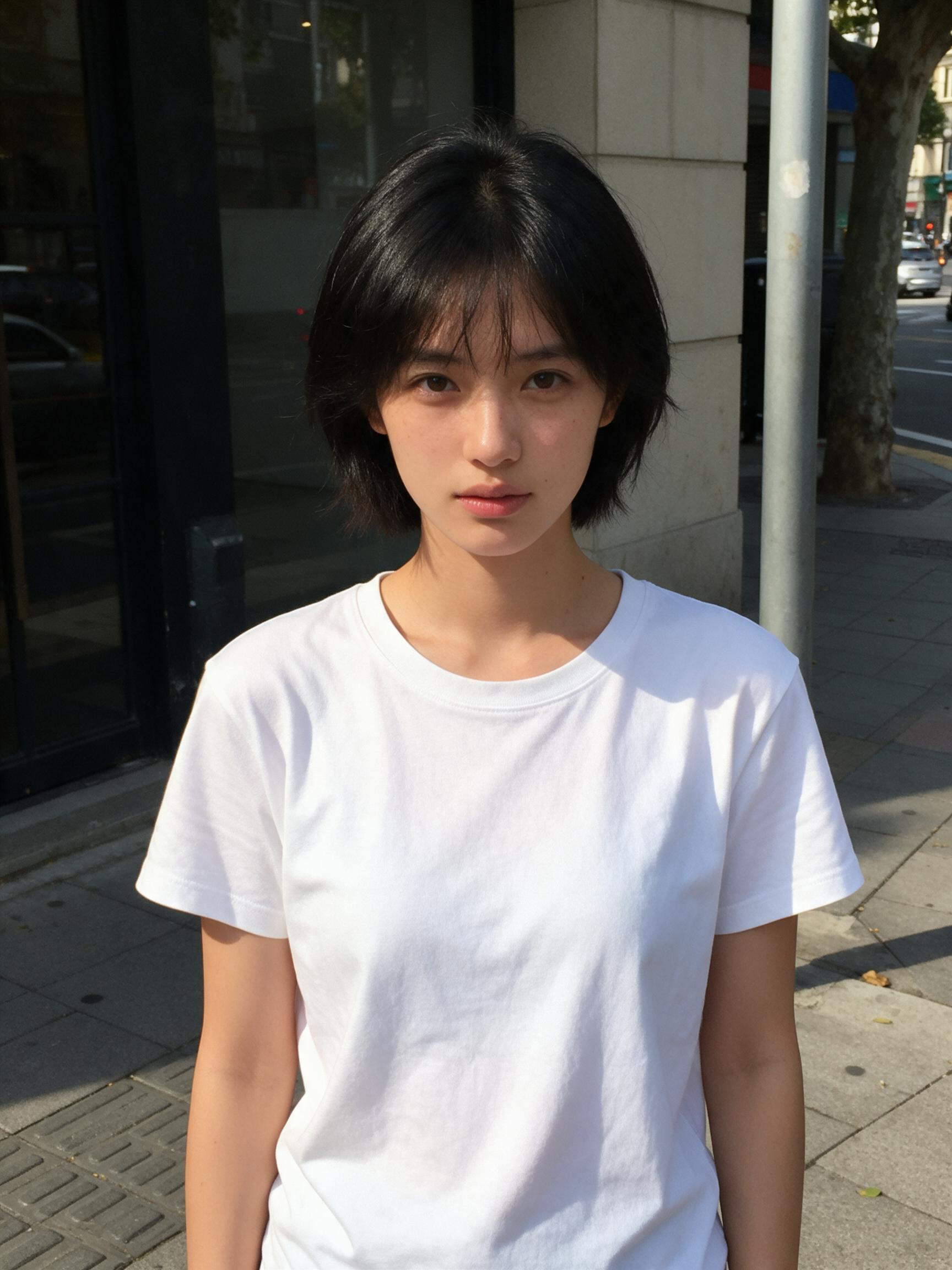
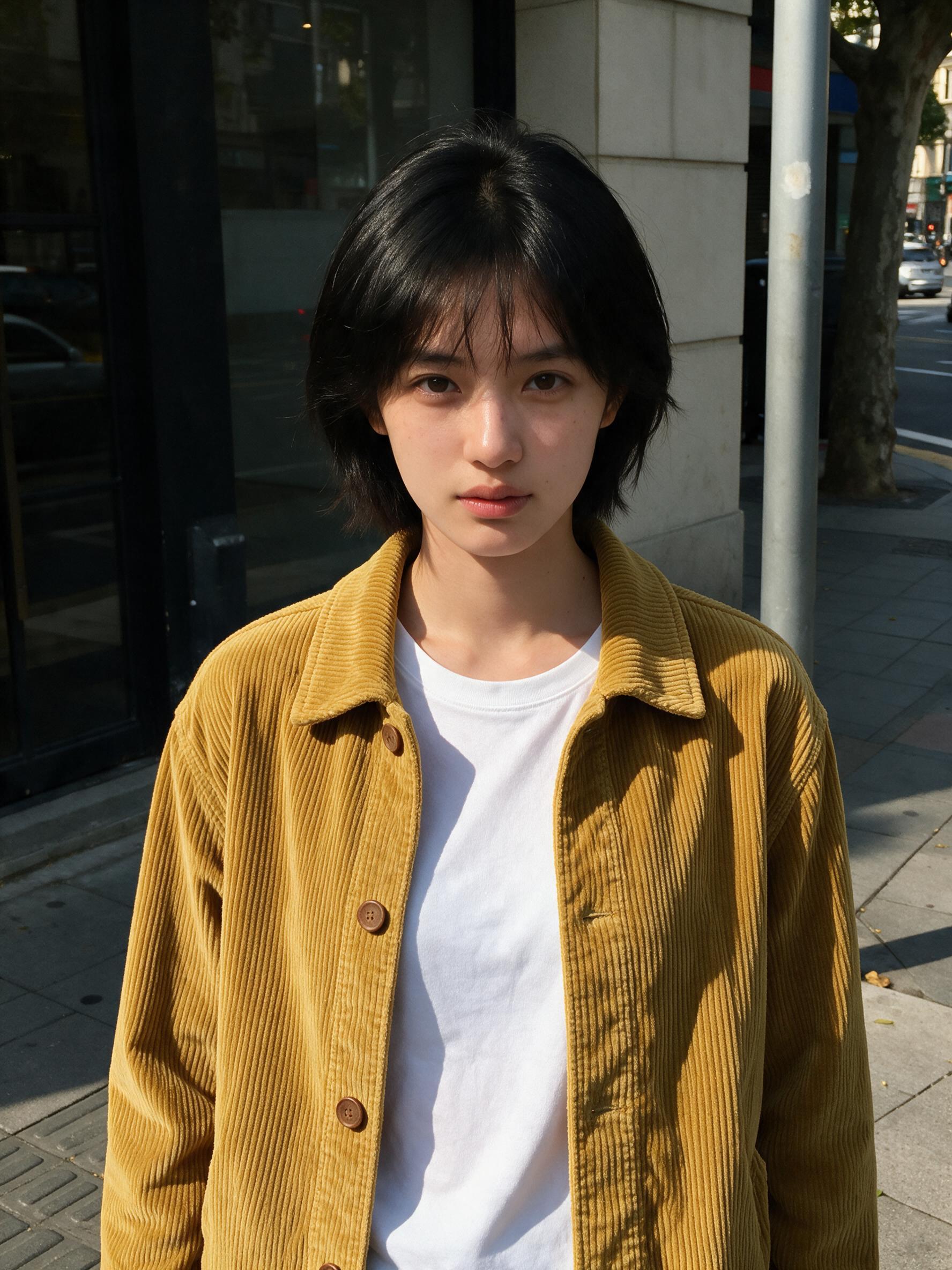 修改前修改后
“Put the jacket from Image 2 on the woman in Image 1, worn open over her t-shirt. Keep her face, hair, pose and the street exactly the same.”
图生图 · Seedream 5.0 Pro · 2K
用这个提示词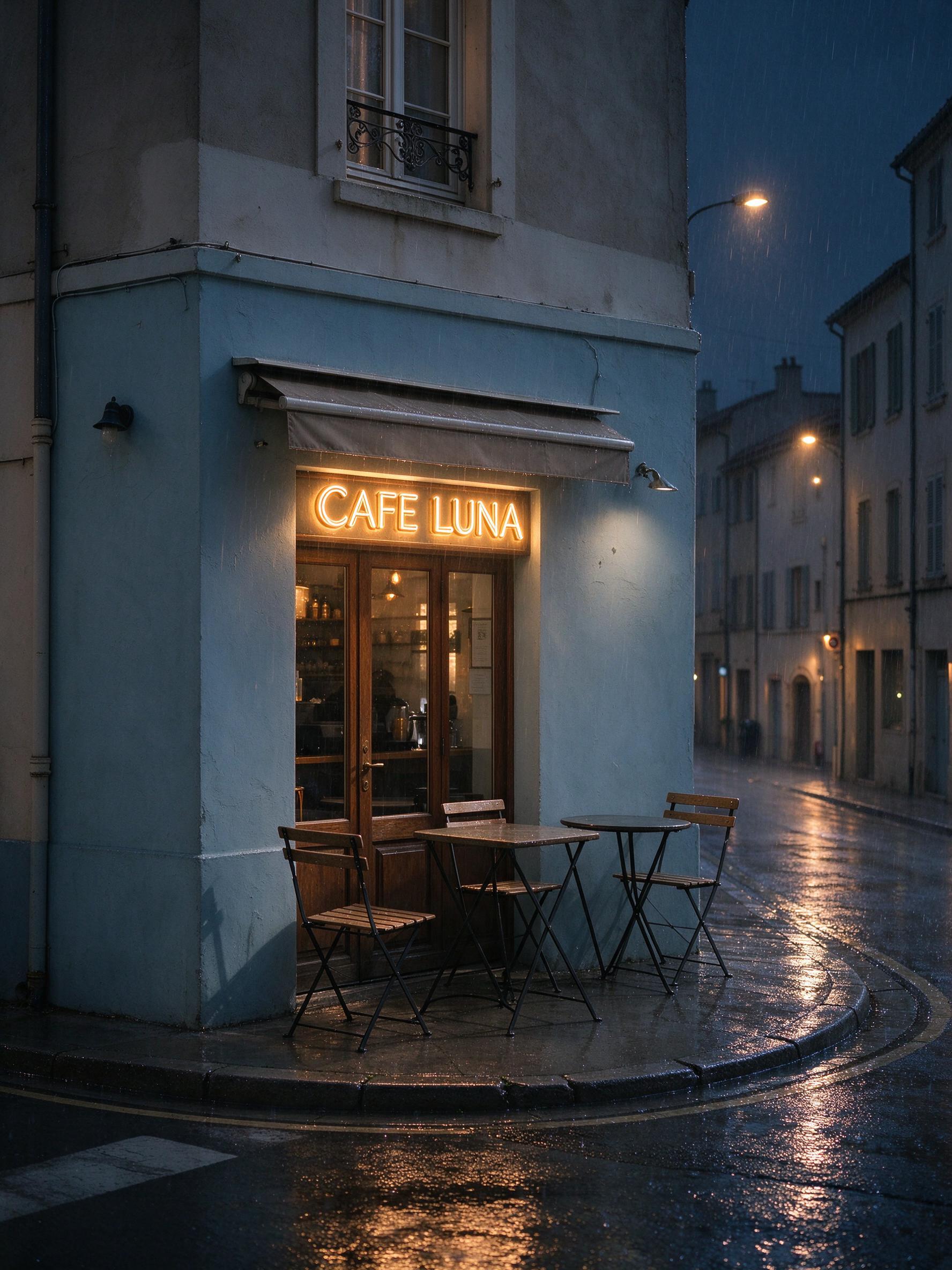 修改前修改后
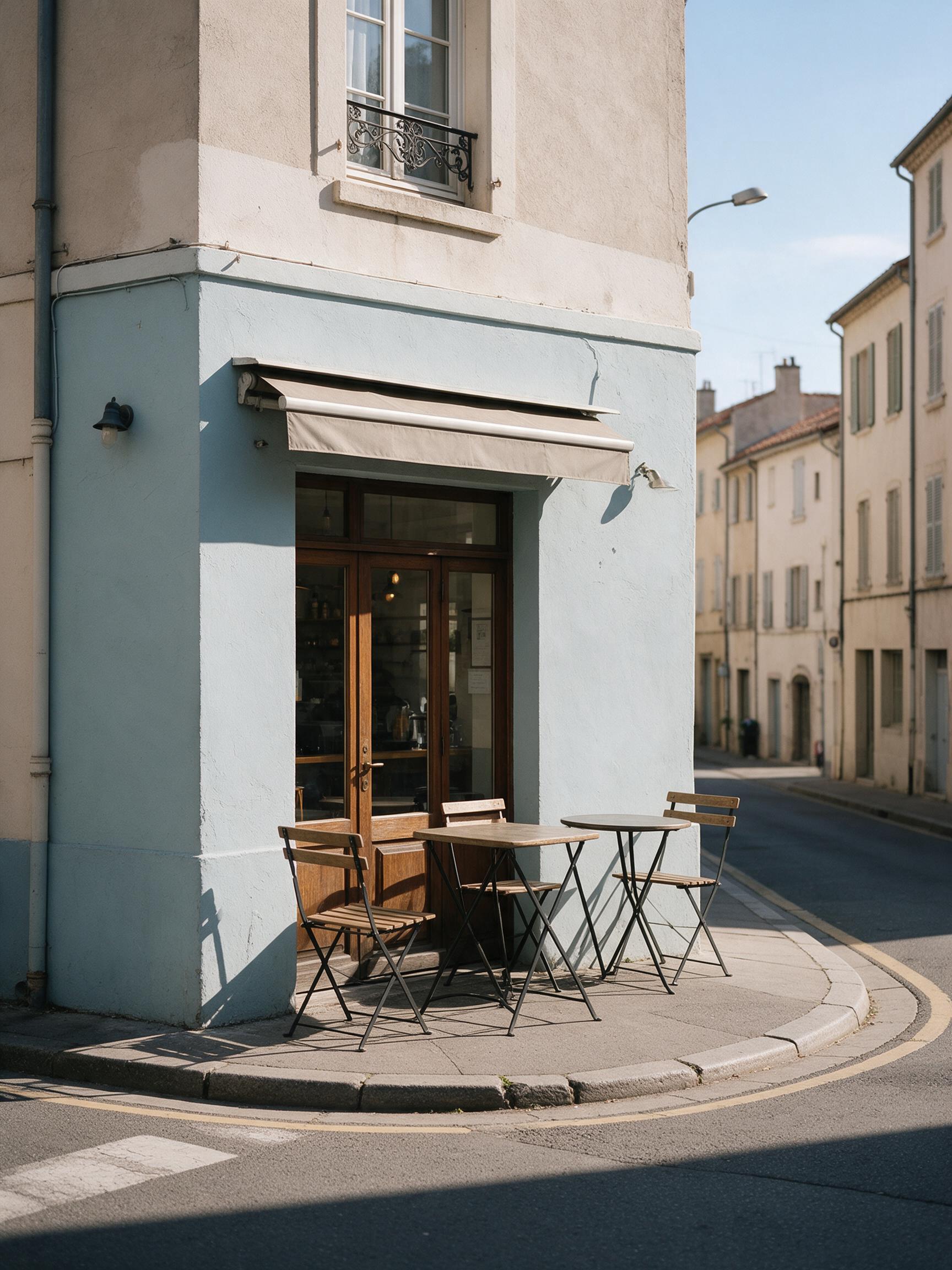
“Make it a rainy night: wet reflective street, warm light inside the cafe, a glowing neon sign that reads "CAFE LUNA" above the door. Keep the buildings and the camera angle.”
图生图 · Seedream 5.0 Flash · 2K
用这个提示词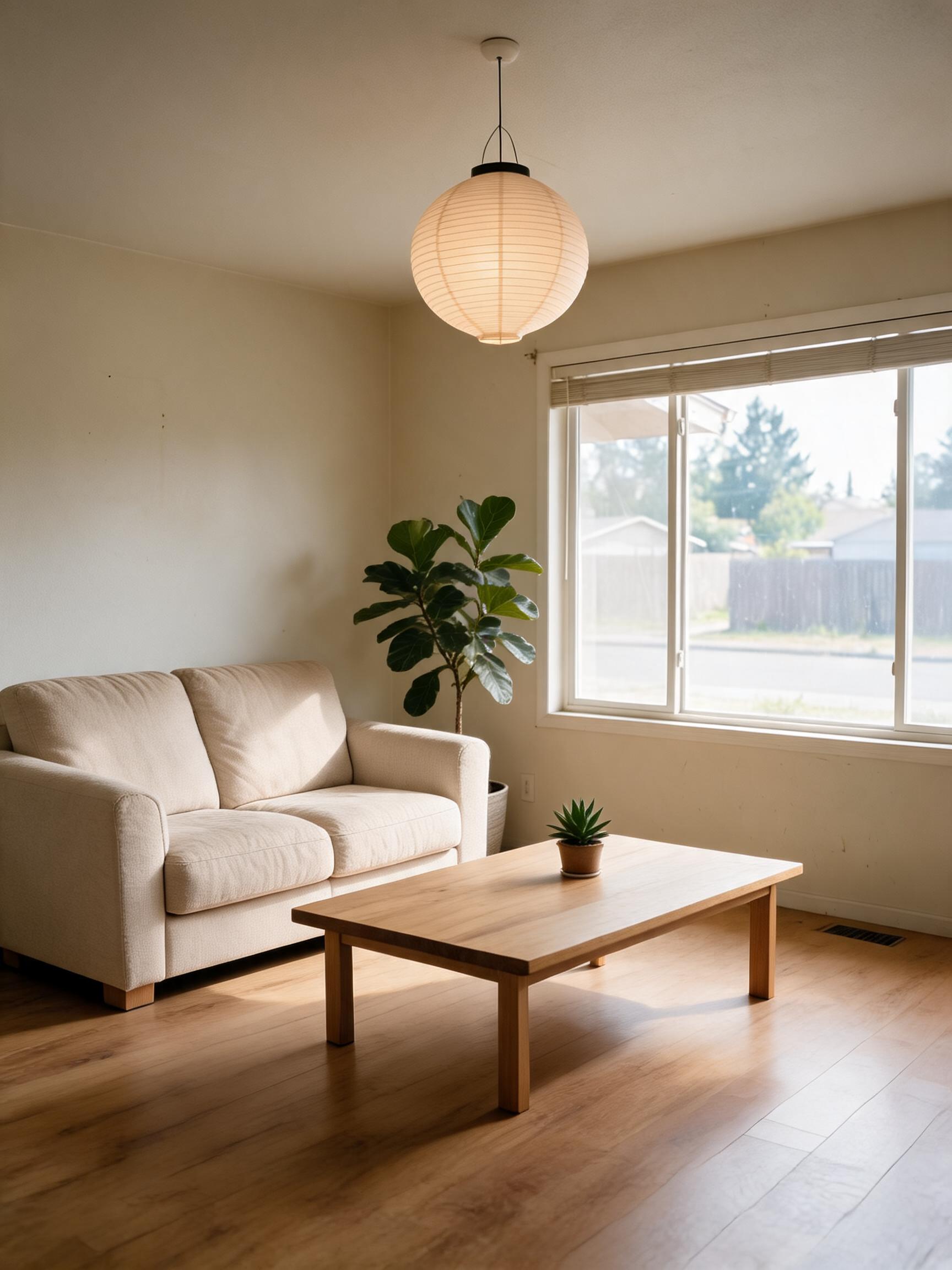 修改前修改后
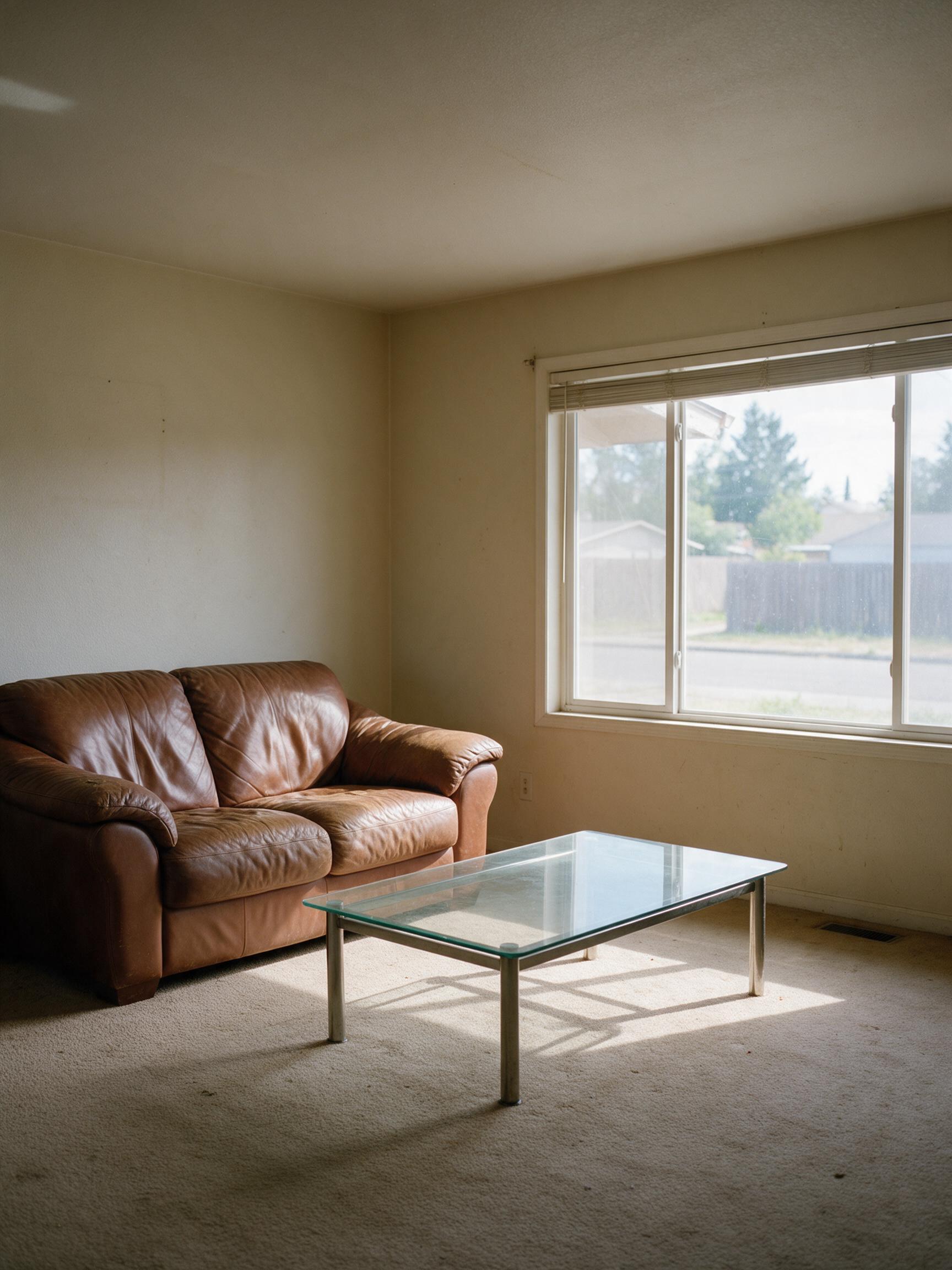
“Restyle this living room in a warm Japandi style: light oak floor, linen sofa, low wooden table, paper lamp and a few plants. Keep the window, walls and room layout.”
图生图 · Seedream 5.0 Lite · 2K
用这个提示词
用 Seedream 编辑图片
图生图从你的原图出发。Seedream 会同时理解你的图片和指令,因此主体——人脸、商品、房间——保持可辨认,只有你指定的部分发生变化。
上传多张图片时可以把它们组合起来:Image 1 里的人物、Image 2 里的夹克、Image 3 里的场景。在提示词中输入 @ 即可插入图片名称。
要保留什么和要改什么都说清楚,每次编辑只改一两处,效果最干净。
Seedream 5.5 AI 是独立服务,与字节跳动(ByteDance)或 BytePlus 无关联,也未获其认可。Seedream 是其所有者的商标。
使用步骤
三步完成,通常不到一分钟。
- 01
描述或上传
写下你想看到的画面,或添加 JPG、PNG、WebP 图片(每张不超过 10 MB)进行编辑。
- 02
描述具体
写明主体、场景、风格和光线,要出现在图中的文字放进引号。编辑时说明要改什么、保留什么,例如「改成黄金时刻的光线,保留她的脸」。
- 03
生成并下载
选择 Seedream 5.0 Pro、Lite 或 Flash,以及分辨率和比例,按钮上会显示价格,图片生成后即可下载。
图生图常见问题
上传图片,写明哪些要改、哪些保留(「把天空换成日落,房子保持不变」),选好模型,点「生成」。
换背景、换风格、换服装、调整光线和天气、换季节、添加或移除物体,以及修改或翻译招牌和海报上的文字。
在提示词里写明:「她的脸、发型和姿势完全保持不变」或「logo 保持不变」。Seedream 5.0 Pro 在这方面最细致。
可以,最多 10 张(Seedream 5.0 Pro 为 5 张)。按上传顺序命名为 Image 1、Image 2…。
和生成新图一样:每张从 2 积分(Flash)到 10 积分(Pro,2K)不等,参考图不另收费。
仅用于你的编辑,30 天后删除。生成结果保存在你的私人作品库,直到你删除。