文生图 · Seedream
Seedream 文生图生成器
描述你想看到的画面——主体、场景、风格、光线以及图上的文字——Seedream 帮你画出来,Flash 约 15 秒出图,Lite 最高 4K。
- 不用上传图片
- 图中文字清晰
- 照片、海报、插画
- 最高 4K
- 失败自动退回积分
用提示词生成的作品
本站的真实生成结果,以及每张图背后的提示词。挑一个作为起点吧。
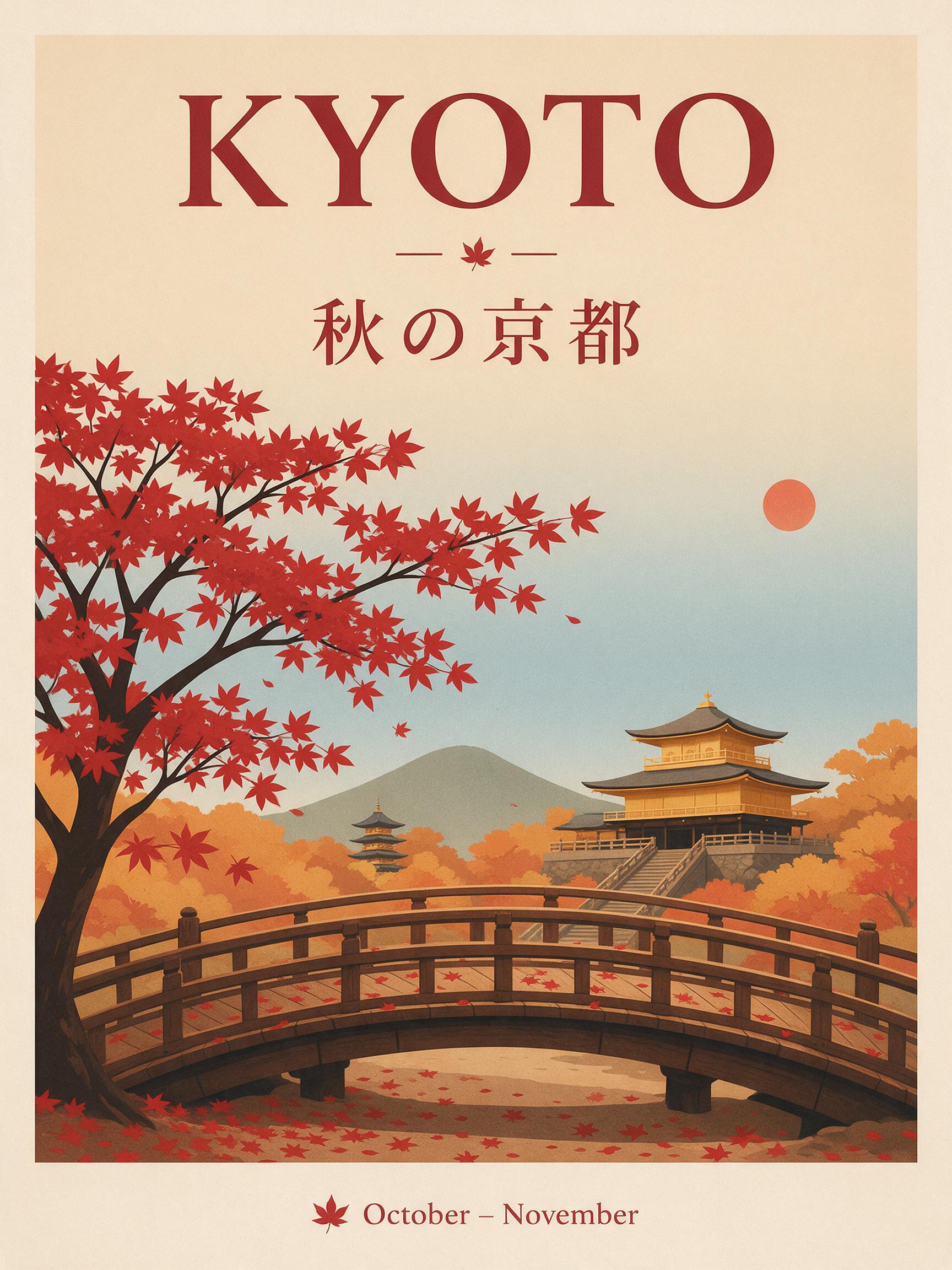
“A travel poster for Kyoto in autumn: a red maple tree over a wooden temple bridge, bold headline "KYOTO" at the top, the Japanese line "秋の京都" under it, small text "October – November" at the bottom, clean flat print style.”
文生图 · Seedream 5.0 Pro · 2K
用这个提示词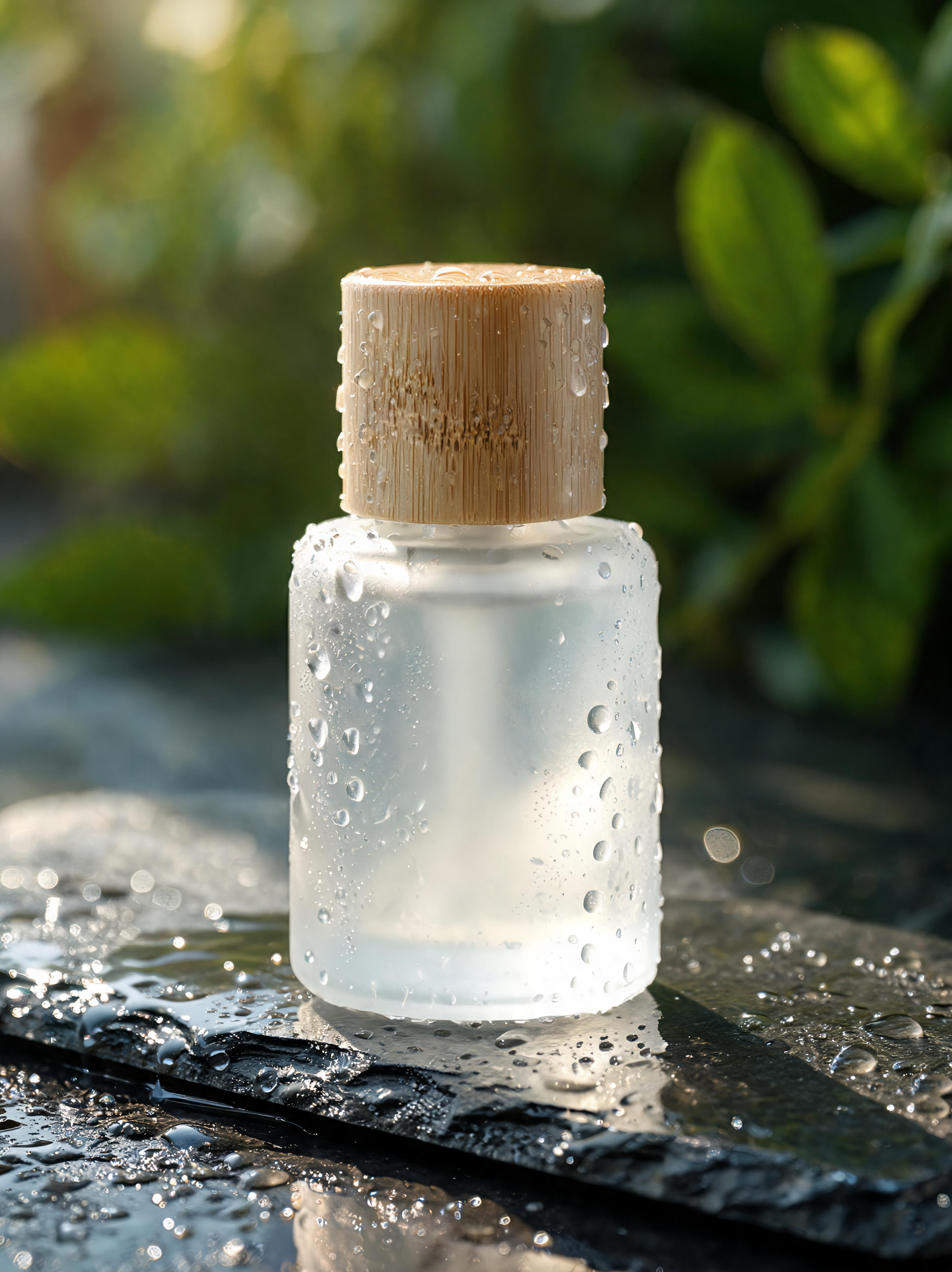
“Product photo of a frosted glass skincare bottle with a bamboo cap on a wet dark stone slab, water droplets, soft morning side light, blurred green leaves in the background, high detail.”
文生图 · Seedream 5.0 Lite · 4K
用这个提示词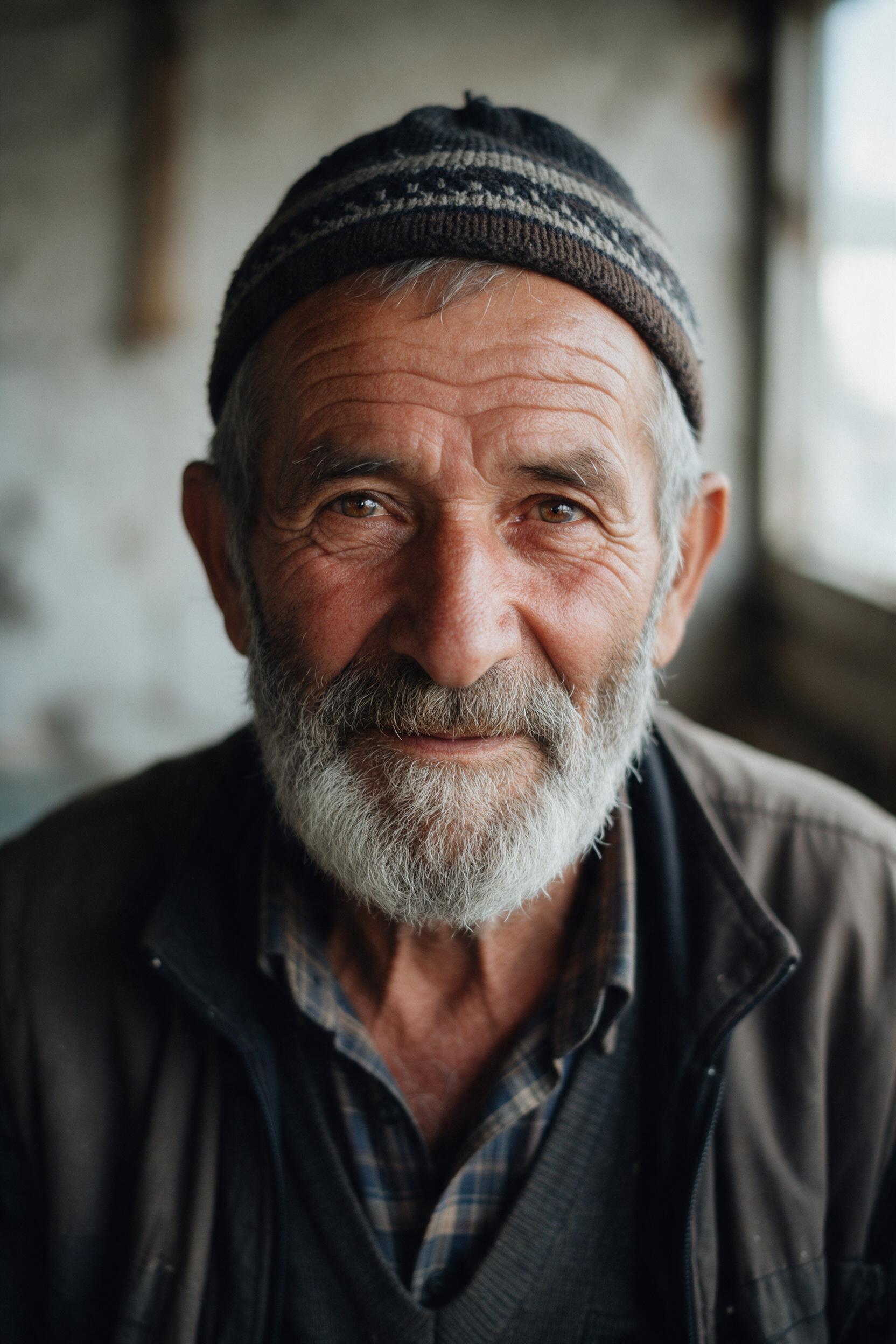
“Close-up portrait of an elderly fisherman with a gray beard and a knitted cap, soft window light from the left, visible skin texture, shallow depth of field, 85mm film photo.”
文生图 · Seedream 5.0 Pro · 2K
用这个提示词
用 Seedream 文生图
文生图就是模型只根据你的描述画出一张新图。Seedream 尤其擅长遵循长提示词、准确放置文字,因此很适合做海报、菜单、标签和社交媒体图片。
像写一份简短的需求说明:画什么人或物、在哪里、什么风格、什么光线、什么比例。要出现在图里的文字放进引号。如果第一张已经接近,每次只改一处。
要质量从 Seedream 5.0 Pro 开始,要快速出草稿用 Flash,要 4K 用 Lite。
Seedream 5.5 AI 是独立服务,与字节跳动(ByteDance)或 BytePlus 无关联,也未获其认可。Seedream 是其所有者的商标。
使用步骤
三步完成,通常不到一分钟。
- 01
描述或上传
写下你想看到的画面,或添加 JPG、PNG、WebP 图片(每张不超过 10 MB)进行编辑。
- 02
描述具体
写明主体、场景、风格和光线,要出现在图中的文字放进引号。编辑时说明要改什么、保留什么,例如「改成黄金时刻的光线,保留她的脸」。
- 03
生成并下载
选择 Seedream 5.0 Pro、Lite 或 Flash,以及分辨率和比例,按钮上会显示价格,图片生成后即可下载。
文生图常见问题
在输入框写好提示词,选好模型、分辨率和比例,点「生成」。图片 15 到 60 秒完成。
写明主体、场景、风格(照片、水彩、3D、扁平插画)、光线和构图。具体胜过冗长:「一辆红色自行车靠在黄色墙边,街头摄影,正午阳光」。
可以。把要出现的文字原样放进引号,并说明位置。小字号或非英文文字用 Seedream 5.0 Pro 最稳定。
要质量和文字用 Seedream 5.0 Pro,要 4K 用 Seedream 5.0 Lite,要速度和低价用 Seedream 5.0 Flash。
每张从 2 积分(Flash)到 10 积分(Pro,2K)不等。生成前按钮上会显示准确价格。
可以。你生成的图片归你使用,只要提示词不侵犯他人权利即可。详见服务条款。