Posters · Seedream 5.0 Pro
AI Poster Generator with Readable Text
Describe the poster and put the words in quotes. Seedream lays out the headline, date and details cleanly — in English, Chinese, Japanese and more.
- Legible headlines
- Multilingual text
- Any poster size
- Up to 4K
- Credits back if it fails
Posters made with Seedream
Real results from this site and the prompt behind each one. Use one as a starting point.
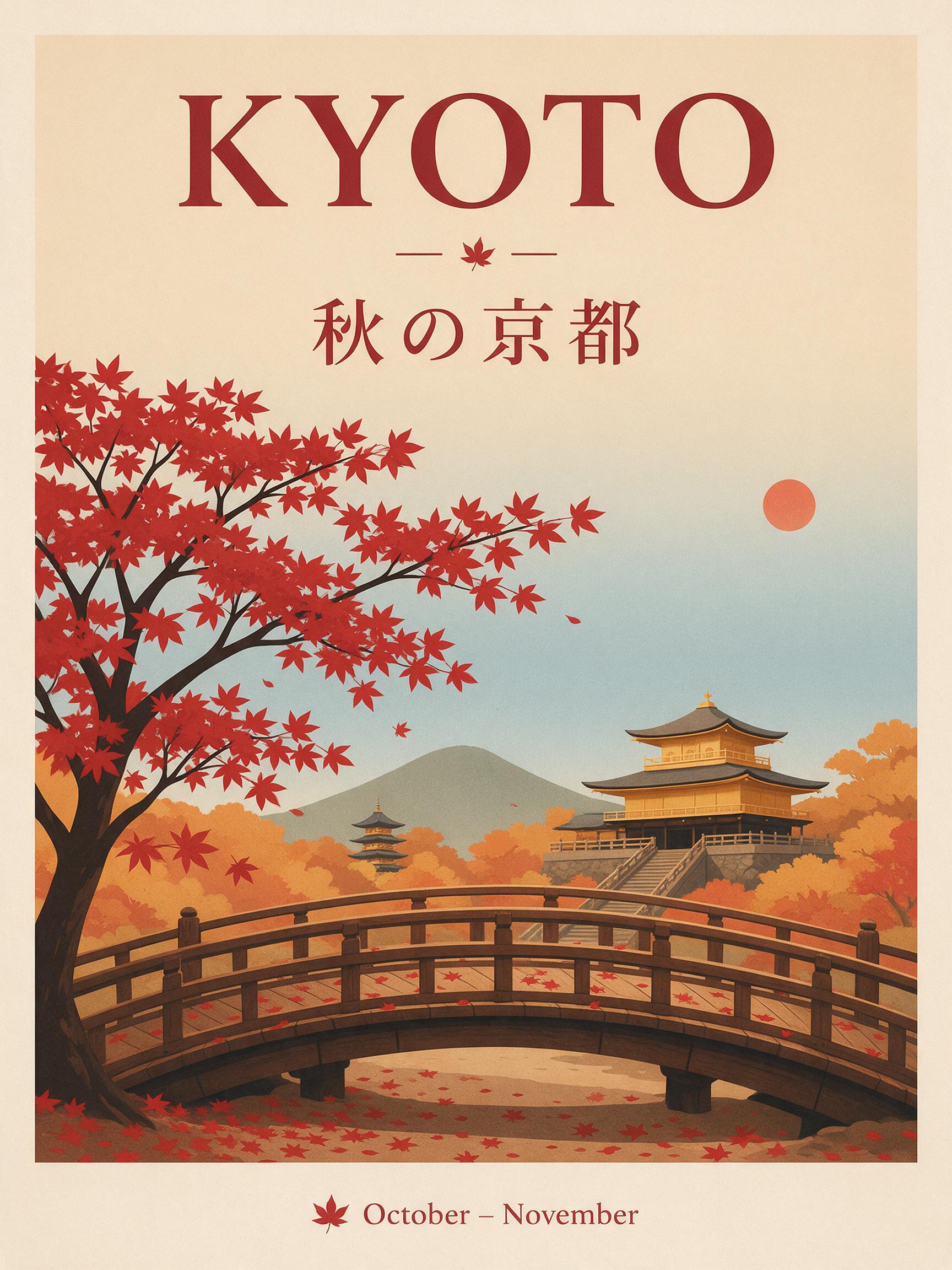
“A travel poster for Kyoto in autumn: a red maple tree over a wooden temple bridge, bold headline "KYOTO" at the top, the Japanese line "秋の京都" under it, small text "October – November" at the bottom, clean flat print style.”
Text to image · Seedream 5.0 Pro · 2K
Use this prompt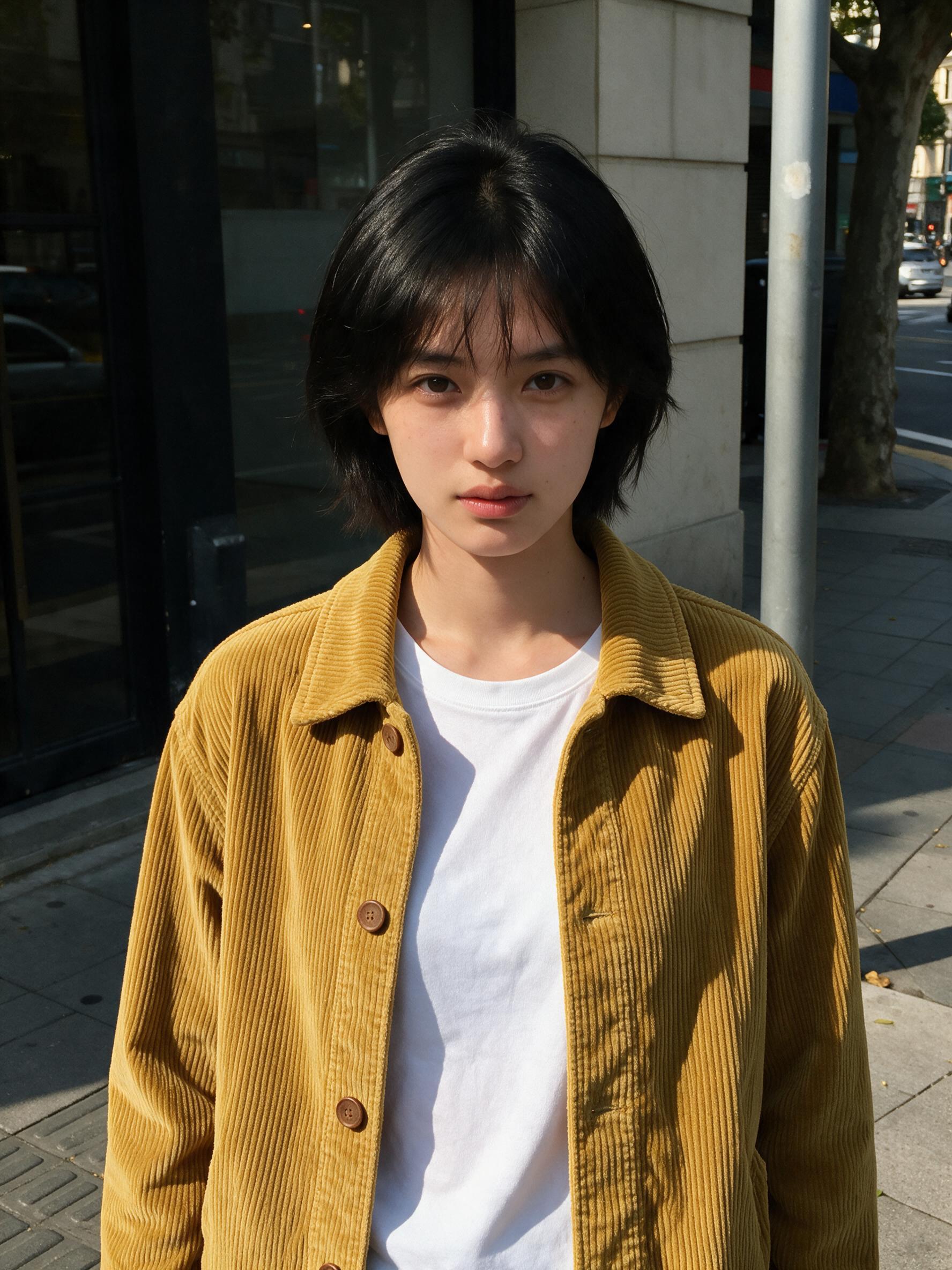 BeforeAfter
“Put the jacket from Image 2 on the woman in Image 1, worn open over her t-shirt. Keep her face, hair, pose and the street exactly the same.”
Image to image · Seedream 5.0 Pro · 2K
Use this prompt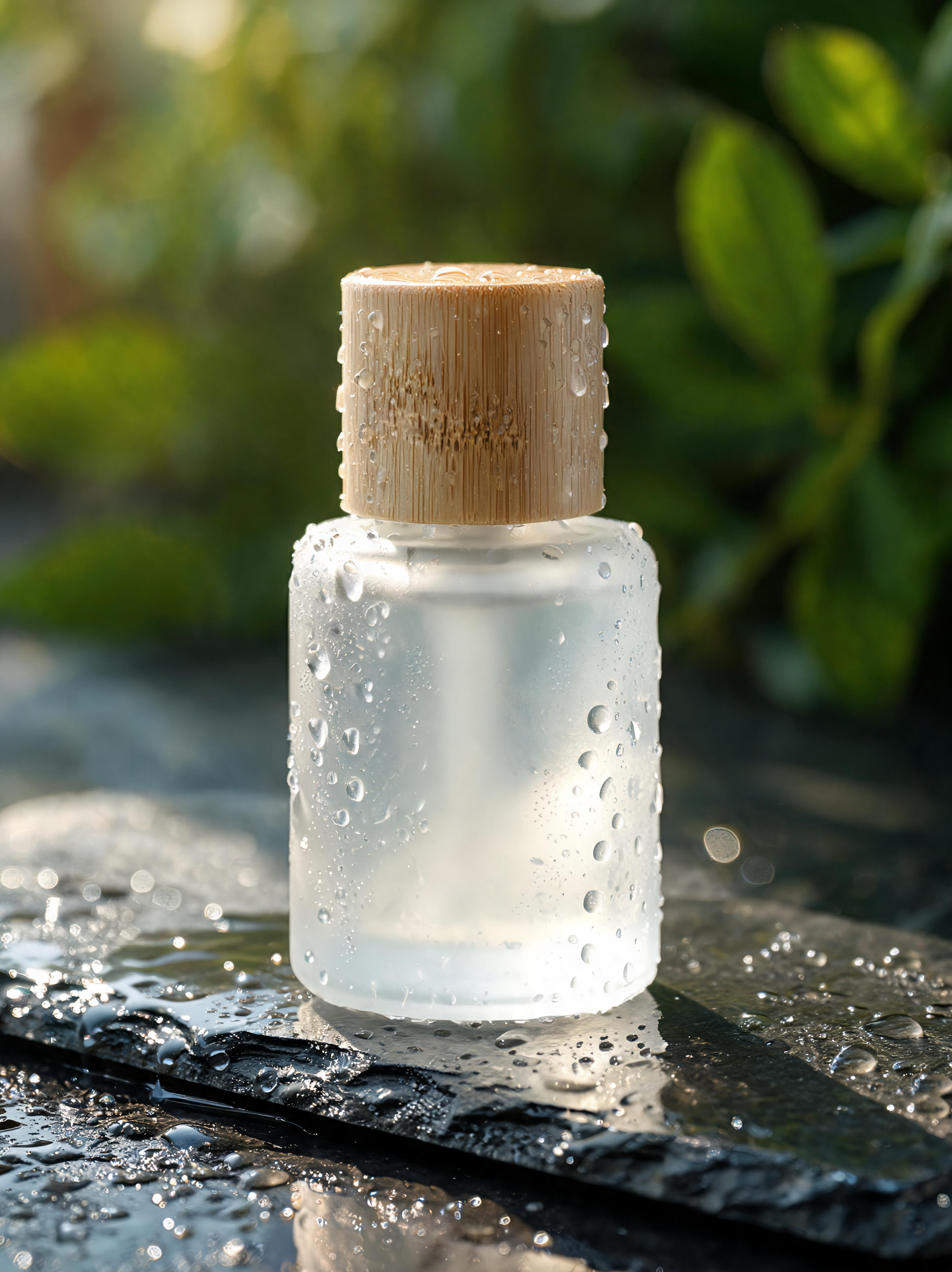
“Product photo of a frosted glass skincare bottle with a bamboo cap on a wet dark stone slab, water droplets, soft morning side light, blurred green leaves in the background, high detail.”
Text to image · Seedream 5.0 Lite · 4K
Use this prompt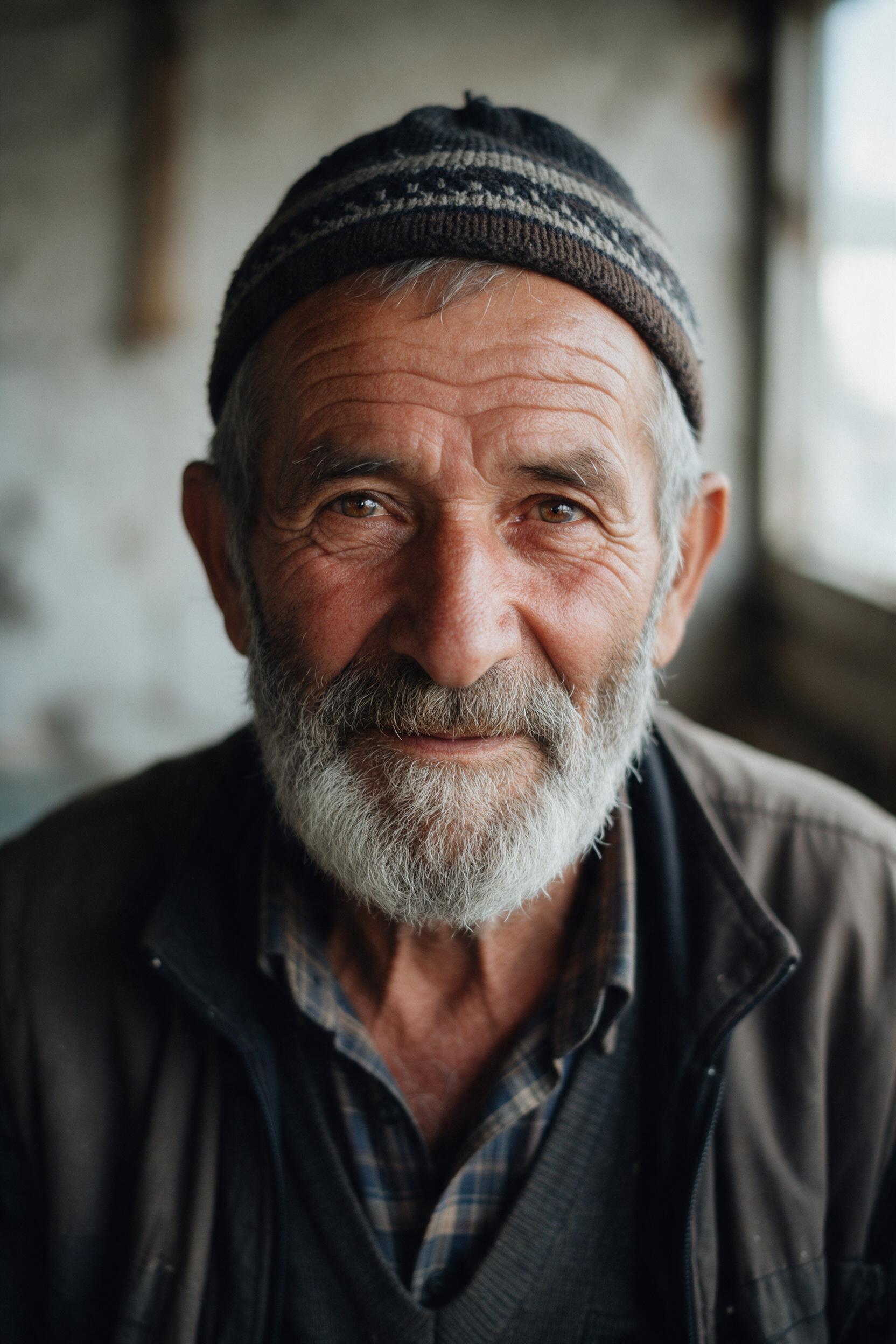
“Close-up portrait of an elderly fisherman with a gray beard and a knitted cap, soft window light from the left, visible skin texture, shallow depth of field, 85mm film photo.”
Text to image · Seedream 5.0 Pro · 2K
Use this prompt
Why Seedream for posters
Most image models struggle with words. Seedream is built to render text: a headline, a date, a price list or a menu comes out spelled correctly and placed where you asked.
Write the brief like you would for a designer: the event or product, the mood, the main image, then each line of text in quotes with its position — "title at the top, date at the bottom".
Use 3:4 or 2:3 for print posters, 9:16 for stories, 16:9 for banners. Seedream 5.0 Pro is the most reliable for small text; Lite gives you 4K for print.
Seedream 5.5 AI is an independent service and is not affiliated with or endorsed by ByteDance or BytePlus. Seedream is a trademark of its owner.
- Model
- Seedream 5.0 Pro
- Resolution
- 1K · 2K
- Reference images
- Up to 5 images
- Credits per image
1K5 credits
2K10 credits
How it works
Three steps, usually under a minute.
- 01
Describe or upload
Write what you want to see, or add JPG, PNG or WebP pictures (up to 10 MB each) to edit them.
- 02
Be specific
Name the subject, setting, style and light, and put any words to show in quotes. For edits, say what to change and what to keep, for example "make it golden hour, keep her face".
- 03
Generate and download
Pick Seedream 5.0 Pro, Lite or Flash, the resolution and shape, see the price on the button, and download the image when it's ready.
More ways to create with Seedream
Seedream 5.5 AI
The home page: every Seedream model, text to image and editing.
Seedream 5.0
The whole Seedream 5.0 family in one place.
Seedream 5.0 Pro
Best quality and the sharpest text.
Seedream 5.0 Lite
2K or 4K at one price.
Seedream 5.0 Flash
Fastest and lowest price.
Text to Image
Turn a prompt into a picture.
Image to Image
Edit your pictures with a prompt.
AI poster questions
Describe the poster, put each line of text in quotes with where it goes, pick a portrait ratio and press Generate.
Short headlines and labels usually are on Seedream 5.0 Pro. Keep text short, quote it exactly, and re-run if one letter is off.
Yes. Seedream handles Chinese and Japanese well; ByteDance says Seedream 5.5 will improve accuracy across 15+ languages further.
Ratios from 21:9 to 9:16. Use 3:4 or 2:3 for posters, and Seedream 5.0 Lite at 4K for print.
5 credits on Seedream 5.0 Pro at 1K, 10 at 2K, or 4 at 4K on Lite.
Yes, as long as your prompt doesn't infringe anyone's rights (for example someone else's logo). See the terms for details.
Make your first Seedream image
Write one sentence, or upload a picture, and see what Seedream does with it.
Start creating