Text to image · Seedream
Seedream Text to Image Generator
Describe what you want to see — the subject, setting, style, light and any words — and Seedream draws it, from 15 seconds on Flash to 4K on Lite.
- No upload needed
- Readable text in images
- Photos, posters, illustrations
- Up to 4K
- Credits back if it fails
Made from a prompt
Real results from this site and the prompt behind each one. Use one as a starting point.
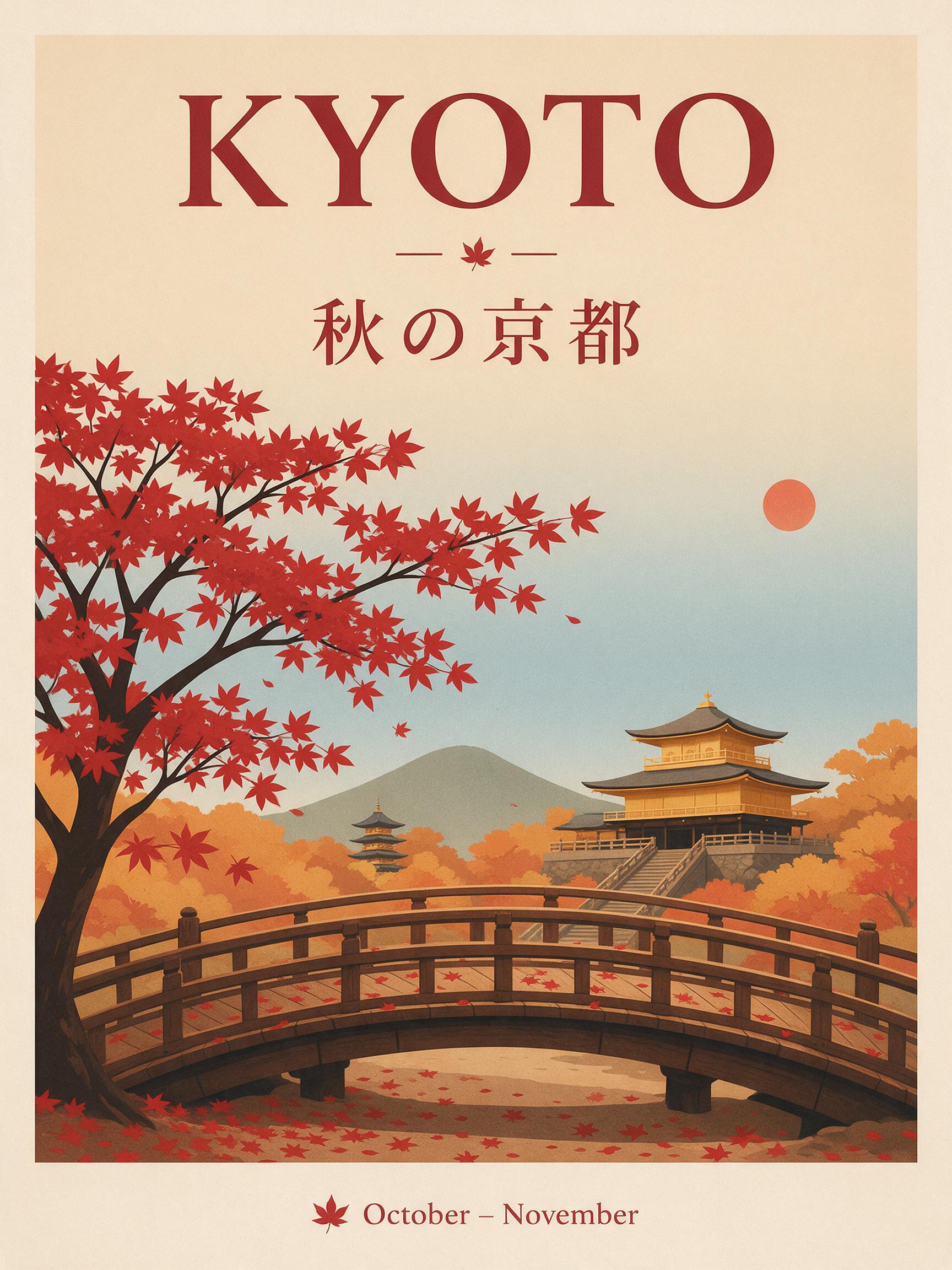
“A travel poster for Kyoto in autumn: a red maple tree over a wooden temple bridge, bold headline "KYOTO" at the top, the Japanese line "秋の京都" under it, small text "October – November" at the bottom, clean flat print style.”
Text to image · Seedream 5.0 Pro · 2K
Use this prompt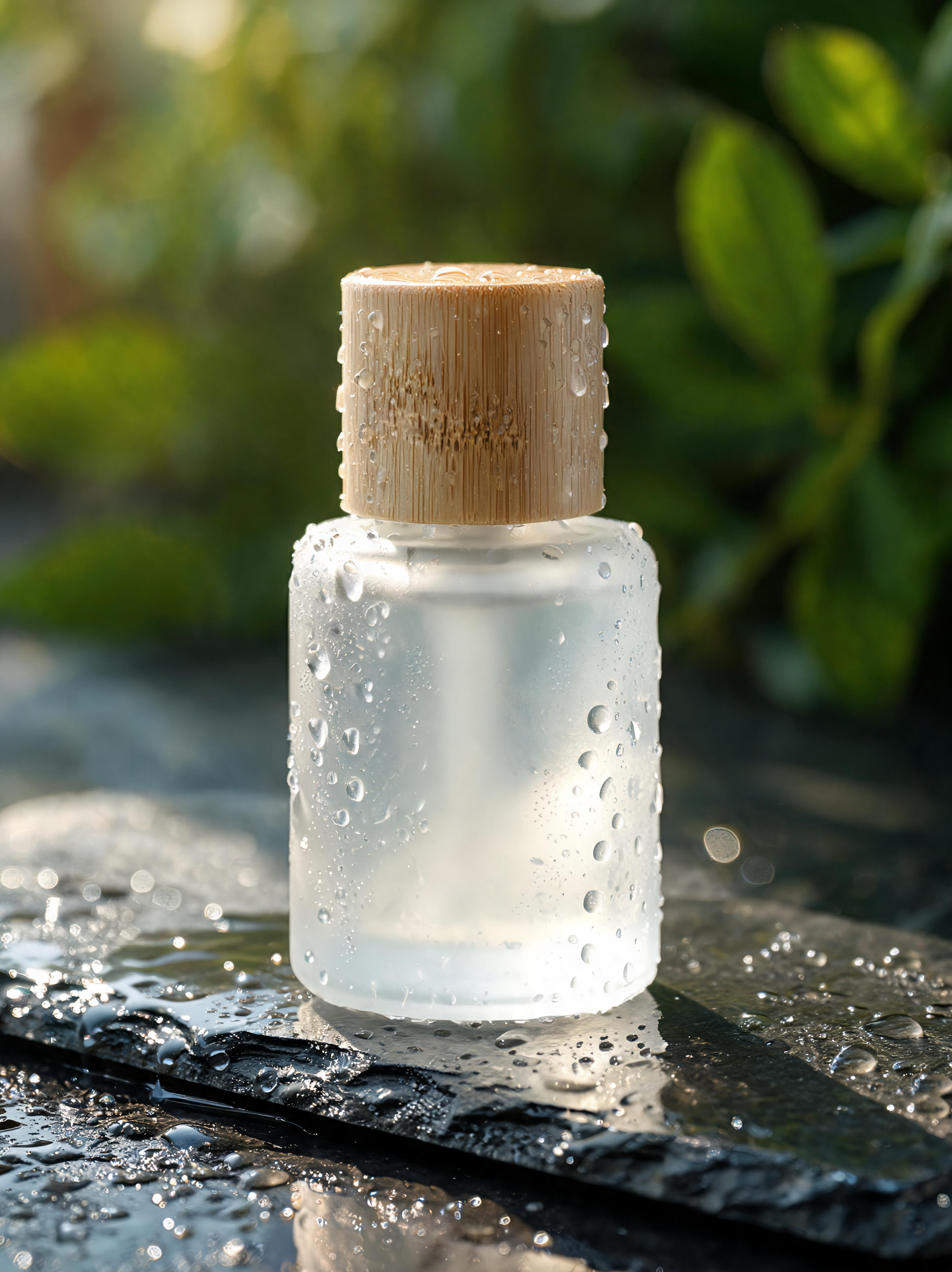
“Product photo of a frosted glass skincare bottle with a bamboo cap on a wet dark stone slab, water droplets, soft morning side light, blurred green leaves in the background, high detail.”
Text to image · Seedream 5.0 Lite · 4K
Use this prompt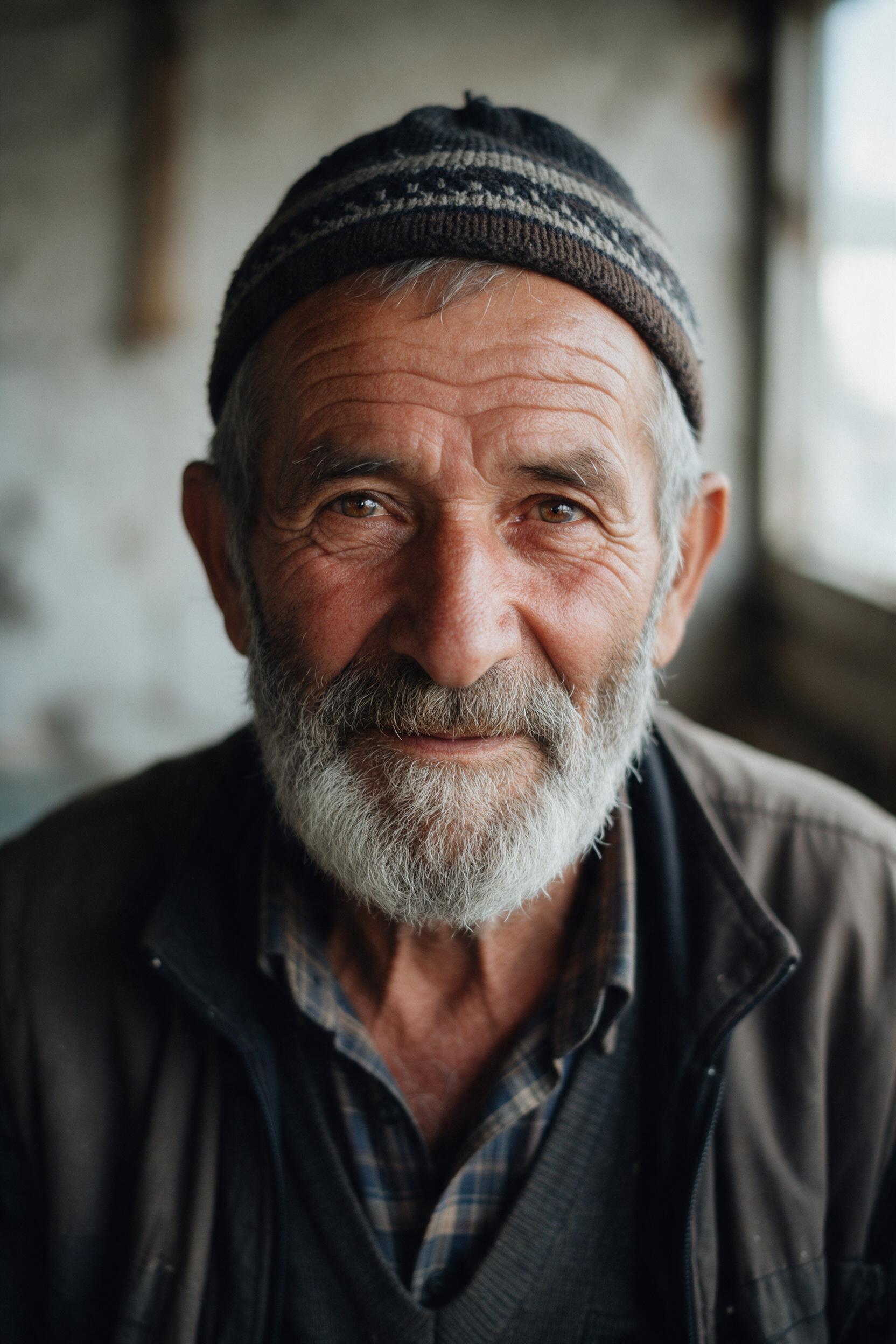
“Close-up portrait of an elderly fisherman with a gray beard and a knitted cap, soft window light from the left, visible skin texture, shallow depth of field, 85mm film photo.”
Text to image · Seedream 5.0 Pro · 2K
Use this prompt
Text to image with Seedream
Text to image means the model draws a new picture from your description alone. Seedream is especially good at following long prompts and placing text correctly, which makes it a strong pick for posters, menus, labels and social graphics.
Write it like a short brief: who or what, where, what style, what light, what shape. Put any words that should appear in quotes. If the first result is close, change one thing at a time.
Start with Seedream 5.0 Pro for quality, Flash for quick drafts, or Lite for 4K.
Seedream 5.5 AI is an independent service and is not affiliated with or endorsed by ByteDance or BytePlus. Seedream is a trademark of its owner.
How it works
Three steps, usually under a minute.
- 01
Describe or upload
Write what you want to see, or add JPG, PNG or WebP pictures (up to 10 MB each) to edit them.
- 02
Be specific
Name the subject, setting, style and light, and put any words to show in quotes. For edits, say what to change and what to keep, for example "make it golden hour, keep her face".
- 03
Generate and download
Pick Seedream 5.0 Pro, Lite or Flash, the resolution and shape, see the price on the button, and download the image when it's ready.
More ways to create with Seedream
Seedream 5.5 AI
The home page: every Seedream model, text to image and editing.
Seedream 5.0
The whole Seedream 5.0 family in one place.
Seedream 5.0 Pro
Best quality and the sharpest text.
Seedream 5.0 Lite
2K or 4K at one price.
Seedream 5.0 Flash
Fastest and lowest price.
Image to Image
Edit your pictures with a prompt.
AI Poster Generator
Posters with text that reads right.
Text to image questions
Write a prompt in the box, pick a model, resolution and shape, and press Generate. The image is ready in 15 to 60 seconds.
Name the subject, the setting, the style (photo, watercolor, 3D, flat illustration), the light and the framing. Specific beats long: "a red bicycle against a yellow wall, street photo, midday sun".
Yes. Put the exact words in quotes and say where they go. Seedream 5.0 Pro is the most reliable for small or non-English text.
Seedream 5.0 Pro for quality and text, Seedream 5.0 Lite for 4K, Seedream 5.0 Flash for speed and price.
From 2 credits per image on Flash to 10 on Pro at 2K. The button shows the exact cost before you generate.
Yes, the images you make are yours to use, as long as your prompt doesn't infringe anyone's rights. See the terms for details.
Make your first Seedream image
Write one sentence, or upload a picture, and see what Seedream does with it.
Start creating