Seedream 5.0 Pro · ByteDance
Seedream 5.0 Pro Image Generator
ByteDance's quality-first Seedream model: sharp detail, natural light and the most reliable text in images. Create from a prompt or edit your pictures at 1K or 2K.
- Best Seedream quality
- Reliable text in images
- Up to 5 references
- 1K · 2K
- Credits back if it fails
Made with Seedream 5.0 Pro
Real results from this site and the prompt behind each one. Use one as a starting point.
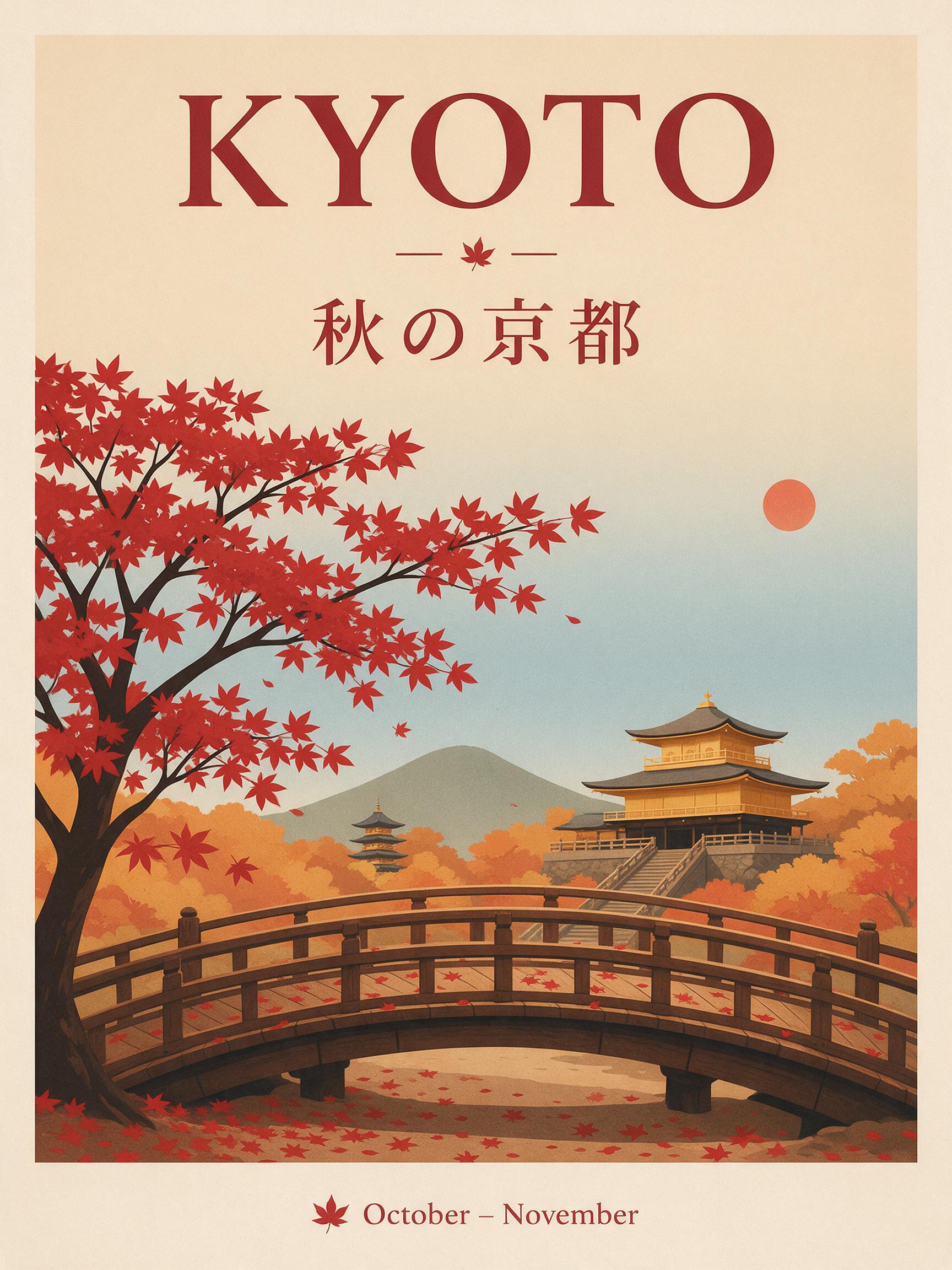
“A travel poster for Kyoto in autumn: a red maple tree over a wooden temple bridge, bold headline "KYOTO" at the top, the Japanese line "秋の京都" under it, small text "October – November" at the bottom, clean flat print style.”
Text to image · Seedream 5.0 Pro · 2K
Use this prompt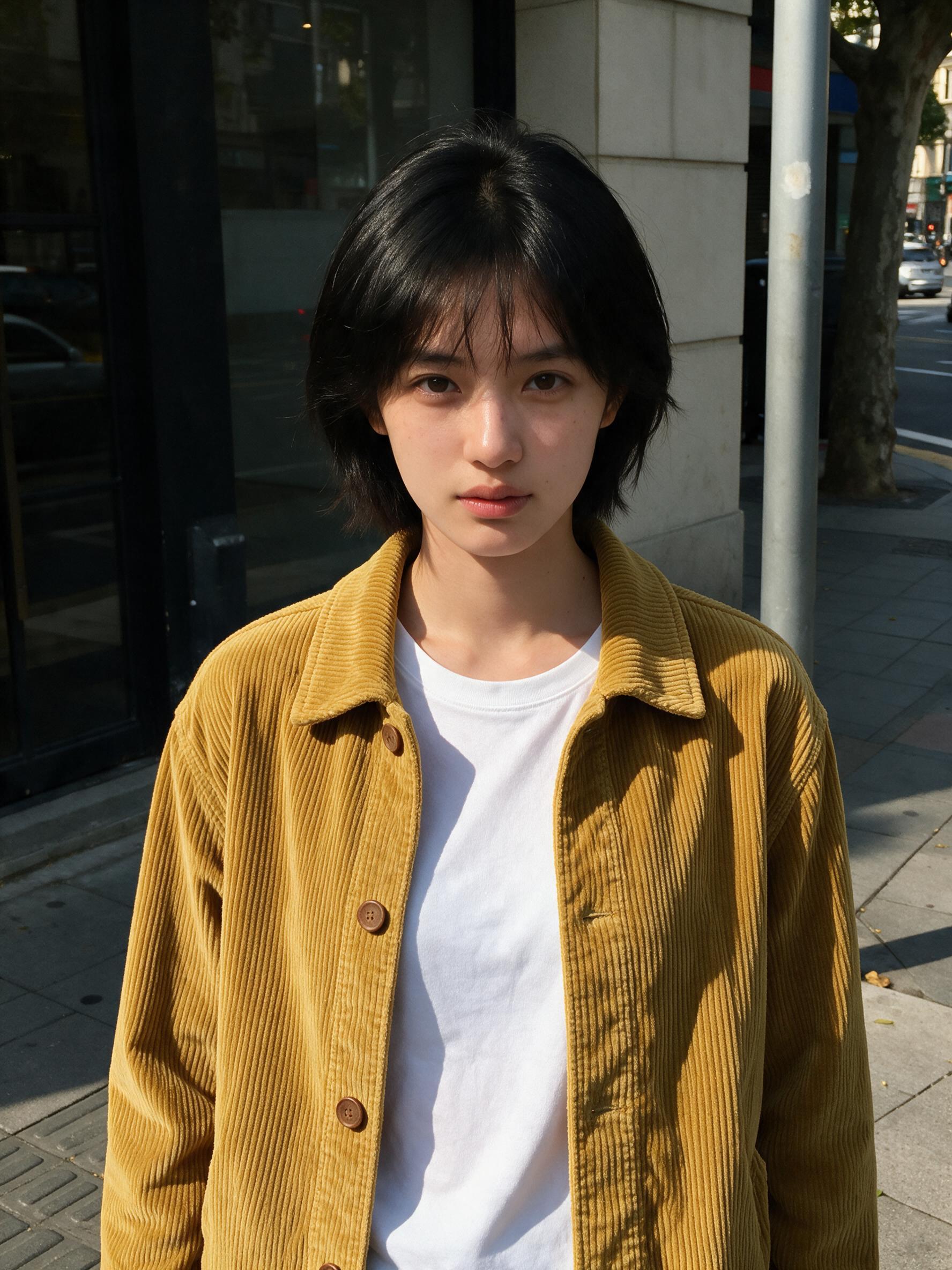 BeforeAfter
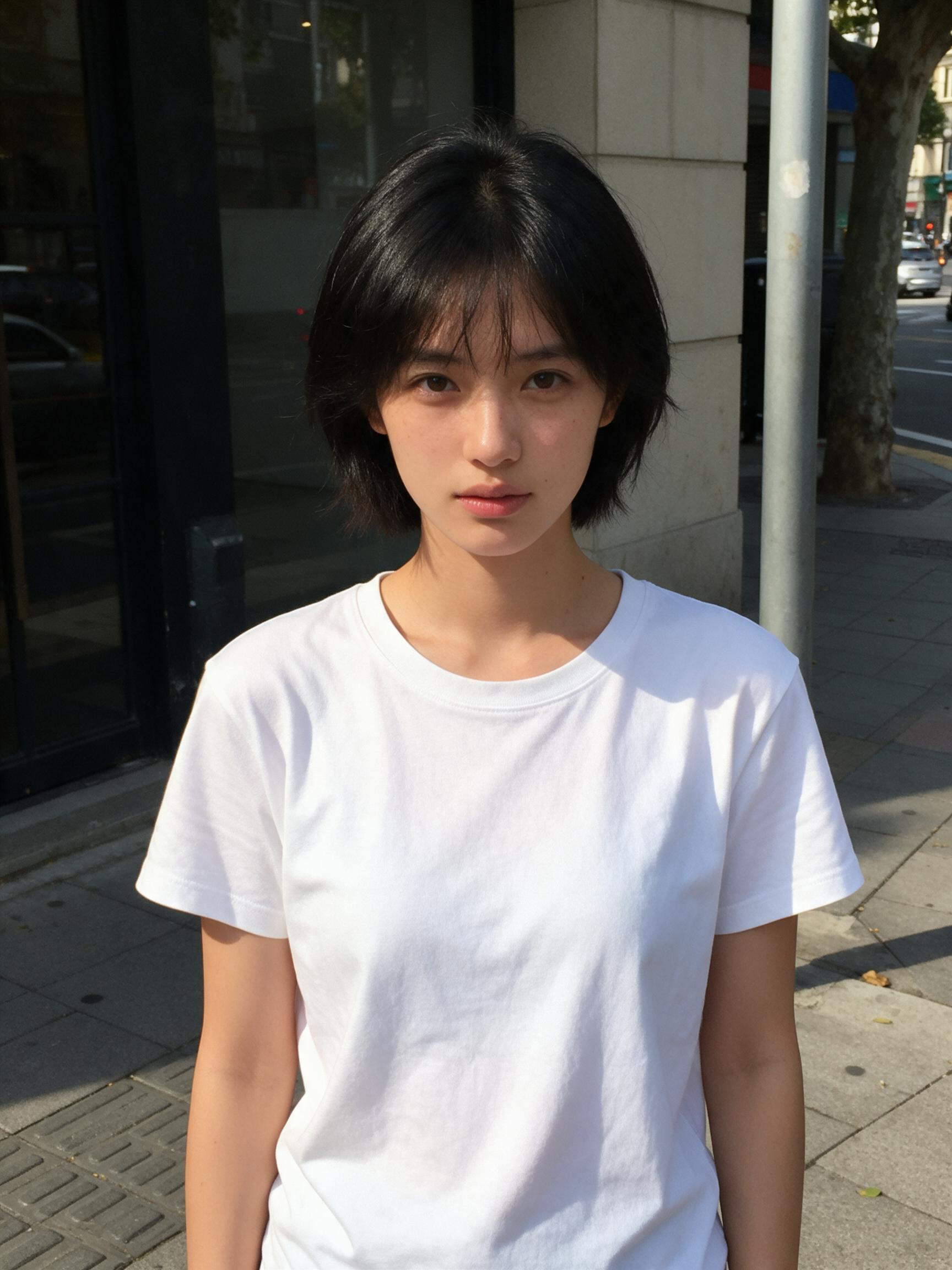
“Put the jacket from Image 2 on the woman in Image 1, worn open over her t-shirt. Keep her face, hair, pose and the street exactly the same.”
Image to image · Seedream 5.0 Pro · 2K
Use this prompt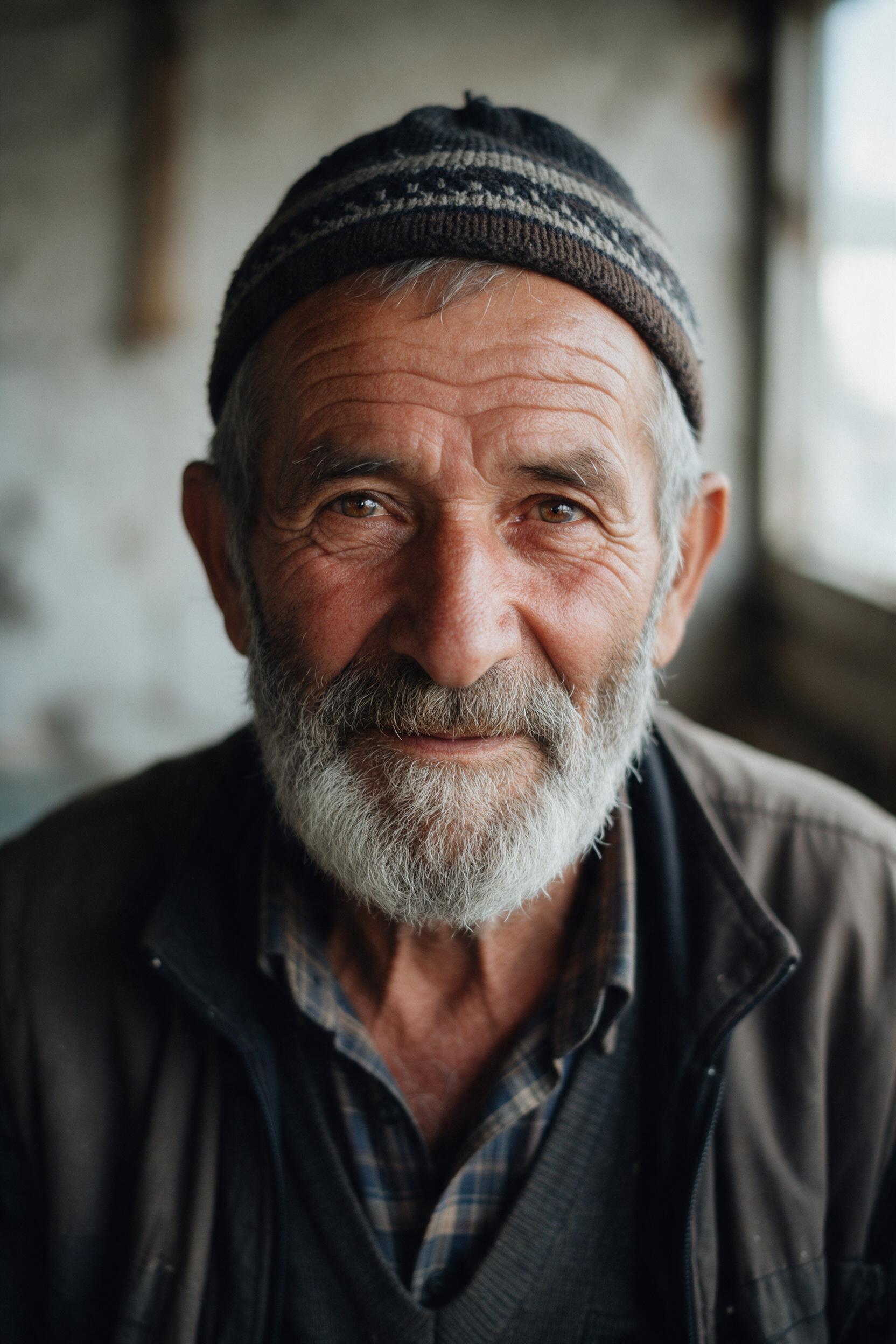
“Close-up portrait of an elderly fisherman with a gray beard and a knitted cap, soft window light from the left, visible skin texture, shallow depth of field, 85mm film photo.”
Text to image · Seedream 5.0 Pro · 2K
Use this prompt
Seedream 5.0 Pro, explained
Seedream 5.0 Pro is the top model of ByteDance's Seedream 5.0 family. It focuses on image quality: realistic light and materials, faithful prompt following and text you can actually read, from a poster headline to small print.
It handles text to image and image editing in one model. Upload pictures and refer to them as Image 1, Image 2 to swap an outfit, change a background or restyle a scene while the subject stays the same.
It is also the base that Seedream 5.5 improves on. On Seedream 5.5 AI it renders 1K or 2K in about 50 seconds; for 4K switch to Seedream 5.0 Lite and keep your prompt.
Seedream 5.5 AI is an independent service and is not affiliated with or endorsed by ByteDance or BytePlus. Seedream is a trademark of its owner.
- Model
- Seedream 5.0 Pro
- Resolution
- 1K · 2K
- Reference images
- Up to 5 images
- Credits per image
1K5 credits
2K10 credits
How it works
Three steps, usually under a minute.
- 01
Describe or upload
Write what you want to see, or add JPG, PNG or WebP pictures (up to 10 MB each) to edit them.
- 02
Be specific
Name the subject, setting, style and light, and put any words to show in quotes. For edits, say what to change and what to keep, for example "make it golden hour, keep her face".
- 03
Generate and download
Pick Seedream 5.0 Pro, Lite or Flash, the resolution and shape, see the price on the button, and download the image when it's ready.
Which Seedream model should I use?
Start with Seedream 5.0 Pro. Switch to Lite for 4K, or to Flash for quick drafts at the lowest price.
| Seedream 5.0 Pro | Seedream 5.0 Lite | Seedream 5.0 Flash | |
|---|---|---|---|
| Best for | Posters with text, portraits, careful edits | 4K images, dense layouts, product shots | Quick drafts and variations |
| Resolution | 1K / 2K | 2K / 4K | 1K / 2K |
| Reference images | Up to 5 | Up to 10 | Up to 10 |
| Typical wait | About 50 s | About 50 s | About 15 s |
| Price | From 5 credits | From 4 credits | From 2 credits |
More ways to create with Seedream
Seedream 5.5 AI
The home page: every Seedream model, text to image and editing.
Seedream 5.0
The whole Seedream 5.0 family in one place.
Seedream 5.0 Lite
2K or 4K at one price.
Seedream 5.0 Flash
Fastest and lowest price.
Text to Image
Turn a prompt into a picture.
Image to Image
Edit your pictures with a prompt.
AI Poster Generator
Posters with text that reads right.
Seedream 5.0 Pro questions
Seedream 5.0 Pro is the quality-first model in ByteDance's Seedream 5.0 family, for text to image and image editing. Seedream 5.5 AI runs it in the browser.
Pro gives the best detail and the most reliable text at 1K or 2K. Lite goes up to 4K at a lower price per image and is a good choice for large product shots and dense layouts.
It's the most reliable Seedream model here for text. Put the exact words in quotes and say where they go; short headlines and labels come out cleanly, including Chinese and Japanese.
Up to 5 per edit on this site. Refer to them as Image 1, Image 2 in the prompt to say what each one is for.
5 credits per image at 1K and 10 at 2K, reference images included. One-time packs start at 300 credits for $9.99.
Yes, the images you make are yours to use, as long as your prompt and uploads don't infringe anyone's rights. See the terms for details.
Make your first Seedream image
Write one sentence, or upload a picture, and see what Seedream does with it.
Start creating