Image to image · Seedream
Seedream Image to Image Editor
Upload a photo, say what should change and what should stay, and Seedream edits it — a new background, style, outfit or season — in under a minute.
- Keeps faces and products
- Up to 10 reference images
- Swap outfits and backgrounds
- Up to 4K
- Credits back if it fails
Before and after
Real results from this site and the prompt behind each one. Use one as a starting point.
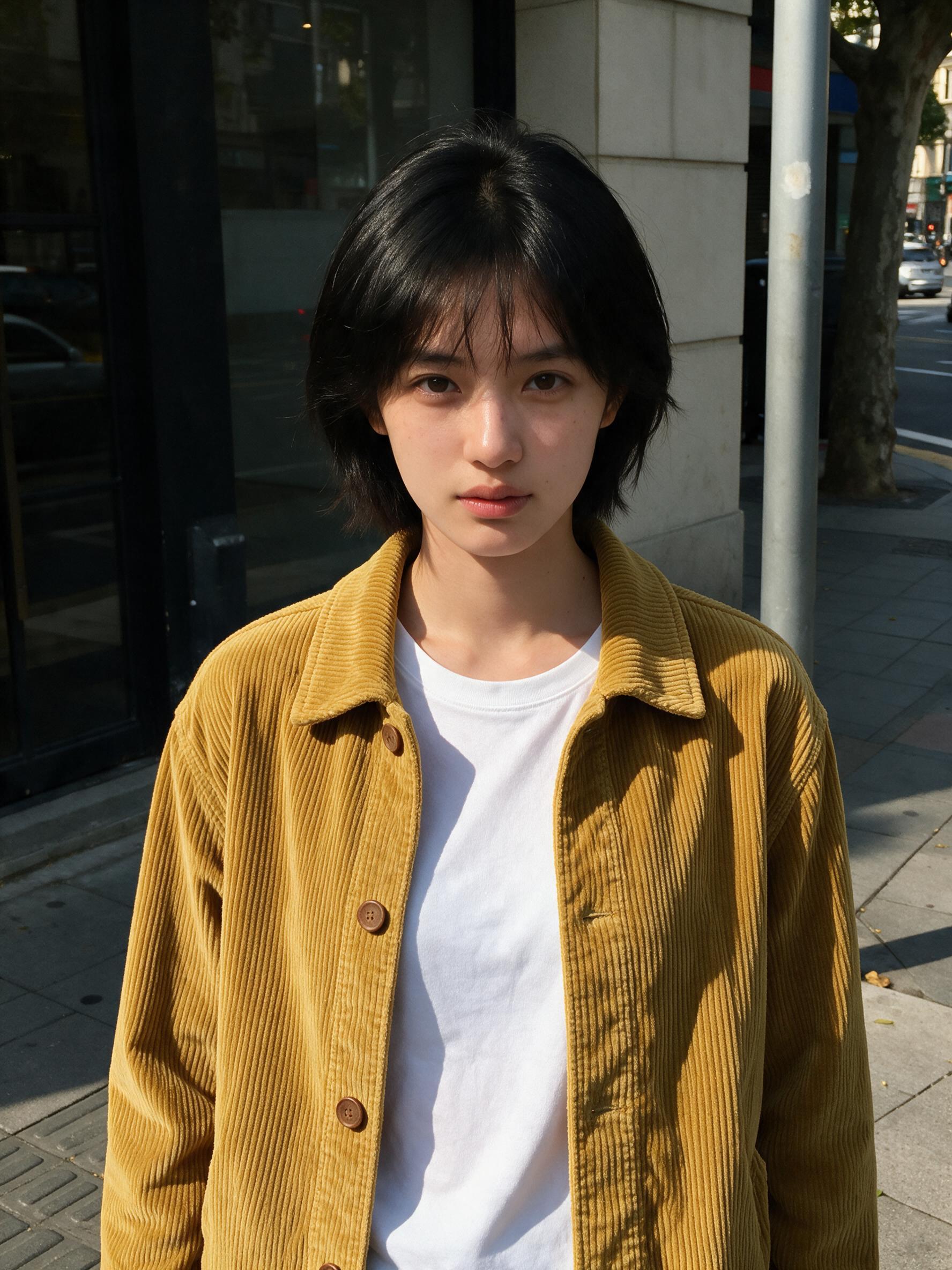 BeforeAfter
“Put the jacket from Image 2 on the woman in Image 1, worn open over her t-shirt. Keep her face, hair, pose and the street exactly the same.”
Image to image · Seedream 5.0 Pro · 2K
Use this prompt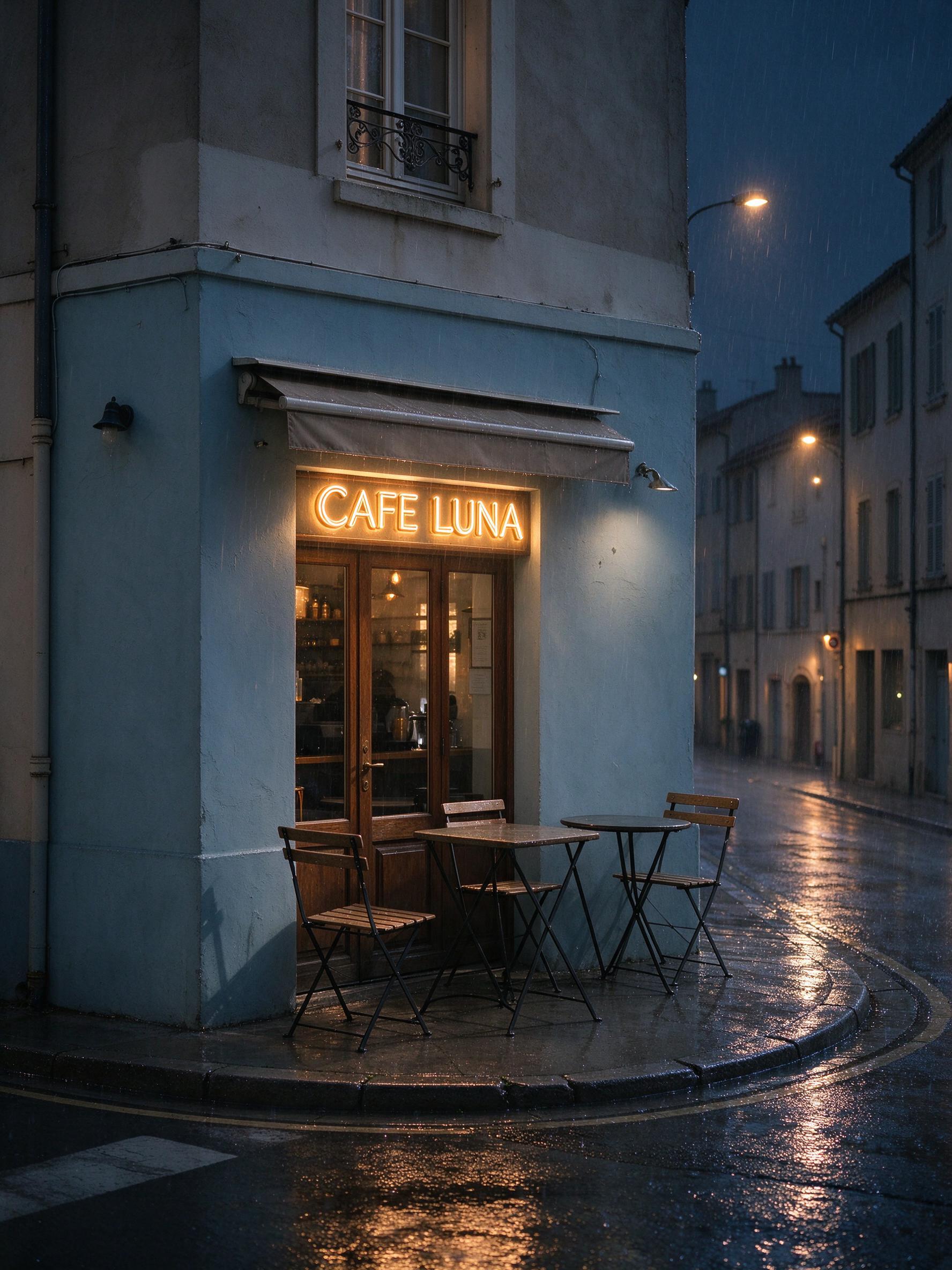 BeforeAfter
“Make it a rainy night: wet reflective street, warm light inside the cafe, a glowing neon sign that reads "CAFE LUNA" above the door. Keep the buildings and the camera angle.”
Image to image · Seedream 5.0 Flash · 2K
Use this prompt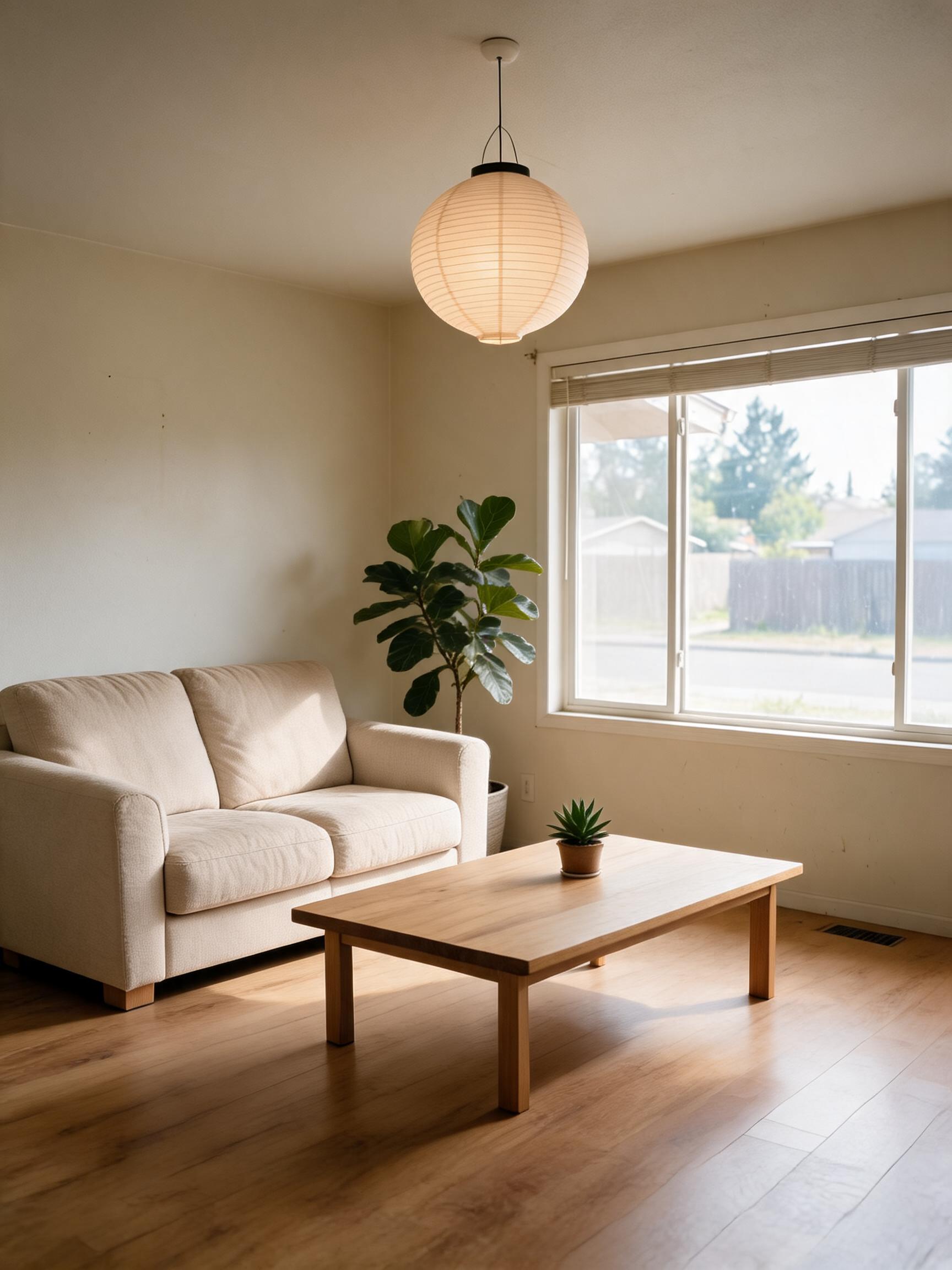 BeforeAfter
“Restyle this living room in a warm Japandi style: light oak floor, linen sofa, low wooden table, paper lamp and a few plants. Keep the window, walls and room layout.”
Image to image · Seedream 5.0 Lite · 2K
Use this prompt
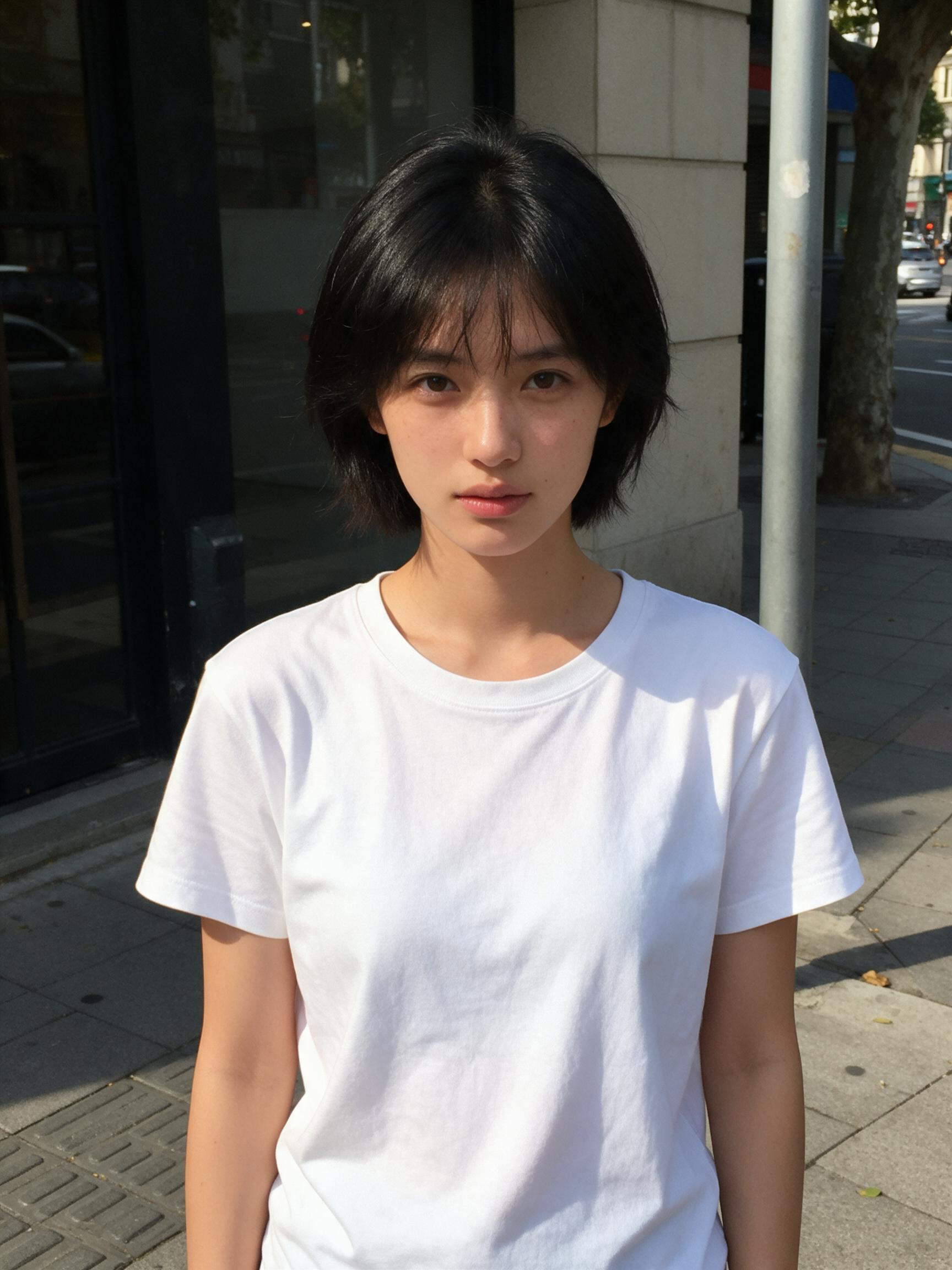
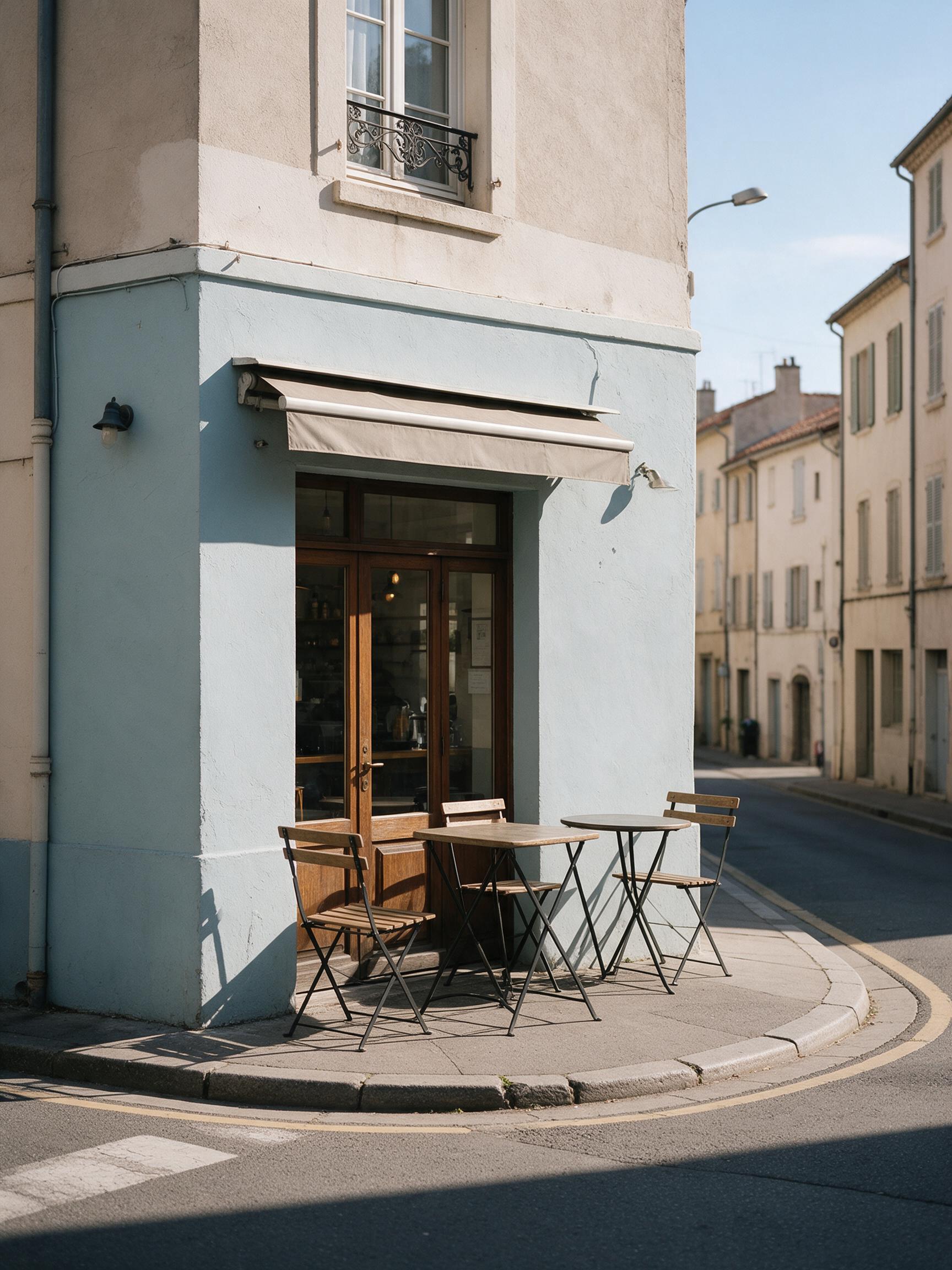
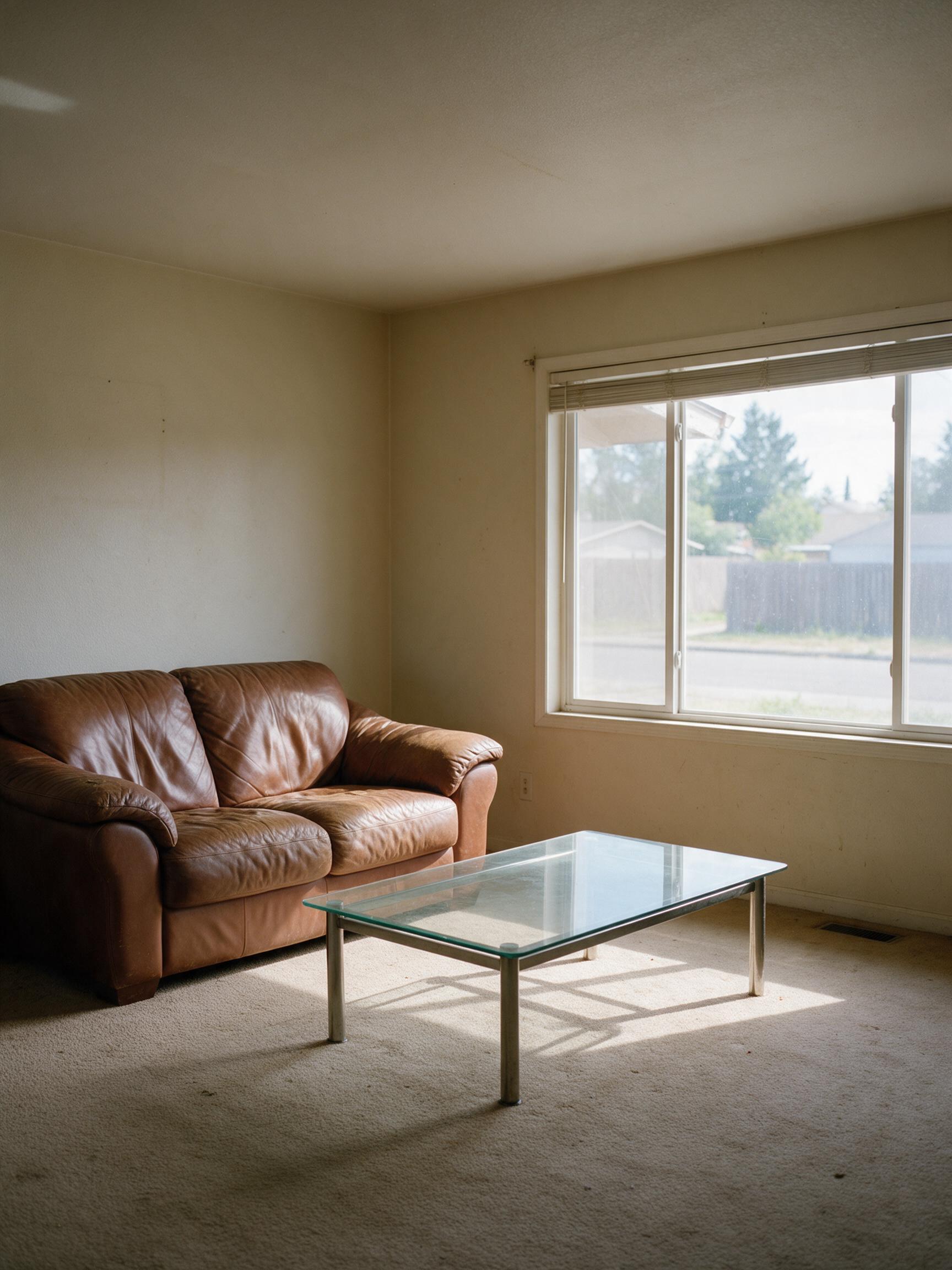
Image editing with Seedream
Image to image starts from your pixels. Seedream reads your picture and your instruction together, so the subject — a face, a product, a room — stays recognizable while the part you named changes.
With several uploads you can combine them: the person from Image 1, the jacket from Image 2, the setting from Image 3. Type @ in the prompt to insert an image's name.
Say what to keep as clearly as what to change, and change one or two things per edit for the cleanest result.
Seedream 5.5 AI is an independent service and is not affiliated with or endorsed by ByteDance or BytePlus. Seedream is a trademark of its owner.
How it works
Three steps, usually under a minute.
- 01
Describe or upload
Write what you want to see, or add JPG, PNG or WebP pictures (up to 10 MB each) to edit them.
- 02
Be specific
Name the subject, setting, style and light, and put any words to show in quotes. For edits, say what to change and what to keep, for example "make it golden hour, keep her face".
- 03
Generate and download
Pick Seedream 5.0 Pro, Lite or Flash, the resolution and shape, see the price on the button, and download the image when it's ready.
More ways to create with Seedream
Seedream 5.5 AI
The home page: every Seedream model, text to image and editing.
Seedream 5.0
The whole Seedream 5.0 family in one place.
Seedream 5.0 Pro
Best quality and the sharpest text.
Seedream 5.0 Lite
2K or 4K at one price.
Seedream 5.0 Flash
Fastest and lowest price.
Text to Image
Turn a prompt into a picture.
AI Poster Generator
Posters with text that reads right.
Image to image questions
Upload it, write what should change and what should stay ("replace the sky with a sunset, keep the house"), pick a model and press Generate.
Backgrounds, styles, outfits, light and weather, seasons, adding or removing objects, and changing or translating text on signs and posters.
Say it in the prompt: "keep her face, hair and pose exactly the same" or "keep the logo unchanged". Seedream 5.0 Pro is the most careful at this.
Yes, up to 10 (5 on Seedream 5.0 Pro). They're named Image 1, Image 2… in upload order.
The same as a new image: from 2 credits on Flash to 10 on Pro at 2K, reference images included.
They're used only for your edit and deleted after 30 days. Results stay in your private library until you delete them.
Make your first Seedream image
Write one sentence, or upload a picture, and see what Seedream does with it.
Start creating